
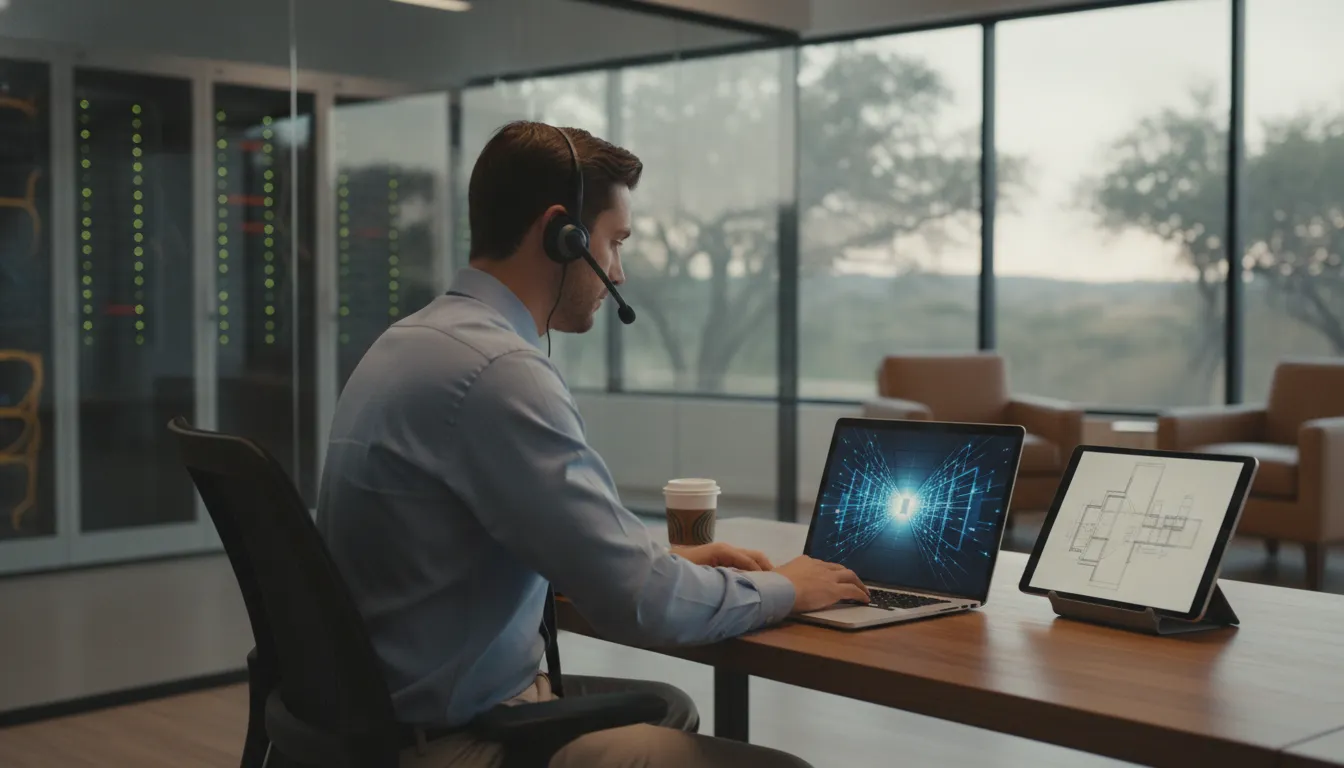
Engineering work rarely stays in one office. Teams may move between headquarters, home offices, client facilities, and active job sites while still needing dependable access to project files, design platforms, and operational systems. That flexibility creates a practical security challenge: access must be available to the right people without exposing sensitive business data or slowing down project delivery.
For Central Texas engineering firms, secure remote access solutions Texas should combine strong identity verification, protected connections, reliable uptime, and controls that align with how employees and contractors actually work. A managed VPN or zero trust approach can help authorized users reach the resources they need while limiting unnecessary network exposure.
The right design depends on more than selecting a remote-access product. It must account for distributed teams, technical workflows, changing project locations, and the support required when access affects deadlines. The first step is understanding how secure connectivity supports the people, systems, and information your engineering operation relies on every day.
How Secure Remote Access Solutions in Texas Support Distributed Engineering Teams
Engineering and construction work rarely happens in one office. A project manager may work from a home office, a field supervisor may connect from a job site. And a design team may remain at headquarters while coordinating revisions with subcontractors. Secure remote access gives each authorized user a controlled way to reach the CAD files. SCADA interfaces, project systems, and engineering data they need without treating every connection as equally trusted.
As technical teams become more distributed, the demand for reliable, secure access to specialized engineering and management tools has grown. That shift is especially important for firms operating across Georgetown, Round Rock, Pflugerville, and North Austin. Where employees and project partners may move between offices, fabrication facilities, and active sites during the same workday.
For engineering and construction firms, the right secure remote access approach protects sensitive project data while keeping field and office workflows connected.
Keep project data available across offices and job sites
A field engineer should be able to review the current drawing set, update project information, or consult a control system without relying on unsecured personal workarounds. A managed connection can route users to the systems appropriate for their role. Reducing the risk of outdated files, duplicate copies, and avoidable delays between the field and office.
Access also needs to support the way teams already work. Reliability and integration with existing business workflows matter as much as encryption. If a security control consistently prevents authorized staff from reaching a production system, employees may seek an unsafe alternative. A properly designed solution balances access controls with uptime, performance, and the applications the business depends on every day. 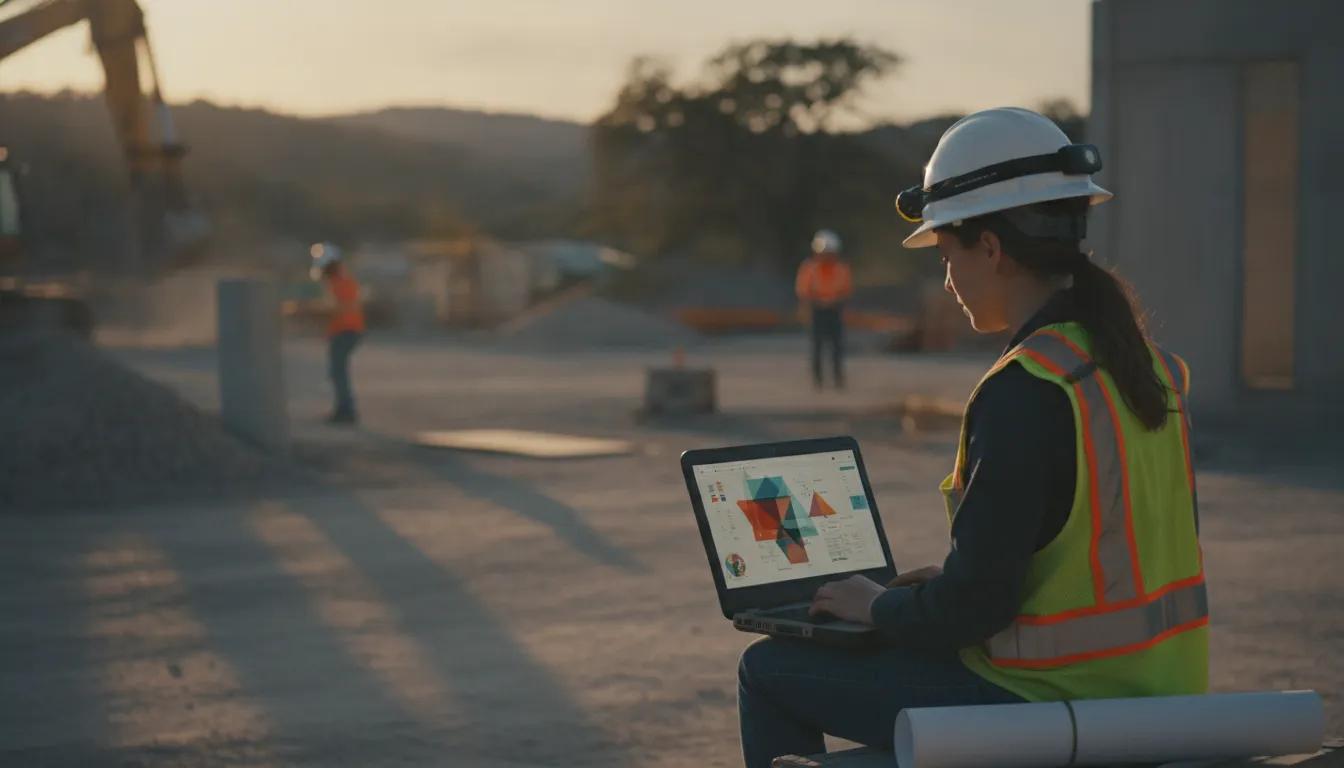
Apply consistent controls to remote connections
Remote access should not mean unrestricted access to the entire company network. Permissions can be aligned with job responsibilities, while authentication and monitoring help the business identify unusual connection attempts. This approach is useful when a company has employees, contractors, and temporary project participants who need different levels of access to CAD repositories, SCADA environments, or shared documentation.
It also creates a clearer operating model for growing firms. Instead of configuring every laptop independently, the organization can manage access policies, support users, and adjust permissions as projects and personnel change. That consistency is difficult to maintain when remote connectivity is handled informally.
Computek can help Central Texas businesses evaluate secure remote access solutions as part of a broader managed cybersecurity strategy, rather than treating connectivity as an isolated tool.
VPN vs. Zero Trust Network Access: What Central Texas Businesses Should Know
VPNs and Zero Trust Network Access (ZTNA) can both protect remote connections, but they use different access models. A VPN typically places an authenticated user inside a protected network so the user can reach internal resources. California State University Channel Islands describes its VPN as a way to provide secure remote access to specific software, systems, and services (CSUCI). ZTNA takes a more granular approach: each user and device is evaluated before access is granted to a specific application, rather than receiving broad network-level access.
| Consideration | Traditional VPN | Zero Trust Network Access |
|---|---|---|
| Security level | Encrypts the connection and can secure access to internal resources, but network-level access may be broader than necessary. | Applies least-privilege access to defined applications and can reduce unnecessary exposure between systems. |
| Setup complexity | Often familiar to IT teams, but configuration, client deployment, and network design still require careful planning. | Requires application mapping, identity policies, and device controls before rollout. |
| Scalability | Can become constrained by gateway capacity, licensing, and increased traffic as teams and locations expand. | Designed to connect users to specific services across distributed environments, subject to provider capacity and architecture. |
| MFA integration | Can support MFA, but it must be deliberately configured and enforced for every relevant user. | Typically places identity verification and MFA at the center of every access request. |
| Management overhead | Requires patching gateways, managing clients, reviewing access, and monitoring performance. | Requires policy maintenance, identity lifecycle management, device posture checks, and application-level monitoring. |
Neither option is automatically right for every business. A VPN may be practical for a smaller team with a well-defined internal network and limited applications. ZTNA may be a better fit when contractors, field personnel, cloud applications, or multiple offices need narrowly scoped access. For operational technology and other sensitive environments, NIST emphasizes the need for carefully designed secure remote-access architectures (NIST).
MFA should be mandatory in either model. A password alone does not provide sufficient assurance that the person requesting access is authorized, particularly when employees connect from job sites, home offices, or client locations. The technology also needs operational support. Central Texas construction, engineering, and manufacturing firms should evaluate uptime commitments, monitoring, incident response, and access to local support, not just the product name. An outage during a project deadline can affect field coordination, estimating, design review, and production workflows.
VPNs remain useful for controlled network access, while ZTNA offers more granular application access for distributed teams. The strongest choice depends on the firm’s systems, risk profile, growth plans, and ability to manage the environment reliably.
How to Implement Secure Remote Access for Your Engineering Team
A secure remote access rollout should protect engineering data without slowing down the people who need it. Start with the systems your team uses every day, then build access controls around actual job responsibilities. The goal is a reliable connection to approved resources, not unrestricted access to the entire company network.
-
Assess your infrastructure and remote access needs
Document the applications, file shares, cloud platforms, project-management tools, and operational systems employees access from home offices, client locations, and job sites. Identify who needs access, from which devices, and under what conditions. Review the current firewall, wireless network, user directory, bandwidth, and backup configuration. This inventory will show whether the team needs broad network connectivity or access to a smaller set of specific applications. It also creates a baseline for uptime and performance requirements.
-
Deploy multi-factor authentication
Require multi-factor authentication for remote connections, administrator accounts, email, cloud applications, and other systems containing engineering or client information. MFA is a critical component of verifying user identity, especially when employees connect from outside the office. Use an approved authenticator method, establish recovery procedures, and remove exceptions that allow users to bypass the control. Test the sign-in process with a small group before enforcing it company-wide.
-
Configure a VPN or ZTNA solution
Select the access model that matches the environment. A VPN may be appropriate when authorized employees need secure access to internal network resources. A zero trust network access solution can provide more targeted access to individual applications and services. In either case, restrict permissions by role, device, and need. Separate engineering resources from general office systems where practical, and document how access is granted, changed, and revoked.
-
Deploy endpoint security and monitoring
Protect every laptop and workstation that connects remotely with managed antivirus or endpoint detection, current operating-system patches, disk encryption, and a supported firewall. Monitor sign-in activity, unusual locations, failed authentication attempts, and changes to privileged accounts. Alerts should reach someone who can investigate them promptly. Testing from representative home and field environments helps identify performance problems before they interrupt a project.
-
Train users and establish access policies
Give employees clear instructions for MFA, approved devices, public Wi-Fi, file handling, lost equipment, and suspected phishing. Establish written policies for remote access, acceptable use, least-privilege permissions, offboarding, and periodic access reviews. Revisit the configuration when staff, projects, applications, or office locations change. For smaller engineering firms, a managed IT services in Texas partner can coordinate these controls, monitor the environment, and maintain the documentation.
Secure remote access solutions Texas engineering teams can depend on require more than a VPN login. Assess the environment, verify every user, limit access, monitor endpoints, and reinforce the process through training and policy reviews.
Why Central Texas Firms Choose Managed IT for Remote Access
For an engineering or construction firm, remote access is part of daily operations, not an occasional convenience. Project managers may need plans from a job site, engineers may work from home. And leadership may need timely access to business applications while traveling between Georgetown, Round Rock, Pflugerville, and North Austin. A failed connection or poorly controlled login can delay work and expose sensitive project information. Secure remote access is therefore central to business continuity for Central Texas firms.
The difference between a managed approach and a do-it-yourself setup is ongoing ownership. A business can install a remote-access tool and configure it once, but that does not ensure it remains secure, available, or aligned with changing workflows. A managed provider monitors the environment 24/7, identifies unusual activity, and addresses developing problems before they become a job-site outage. That proactive oversight is especially important when teams rely on specialized engineering software, shared files, and cloud applications.
Security is built into the service
DIY remote access often leaves business owners responsible for deciding which controls to add and when to update them. A managed service package can coordinate the firewall, multi-factor authentication (MFA), endpoint protections, and ransomware detection as one security program. MFA helps verify that the person connecting is authorized, while monitoring and threat detection provide additional visibility when an account or device behaves unexpectedly. Security is not treated as an optional add-on after connectivity is working.
Local support reduces operational delays
When a remote-access problem affects a field team, a local support relationship matters. Computek serves businesses from Georgetown across Central Texas, including Round Rock, Pflugerville, and North Austin, with on-site support available when a problem cannot be resolved remotely. That combination of 24/7 monitoring and local assistance gives operations managers a clear escalation path instead of asking employees to troubleshoot network settings during a project deadline.
Predictable service can cost less than DIY
A DIY setup may appear less expensive because it avoids a recurring managed-services fee. The broader cost includes staff time, emergency troubleshooting, security tools, configuration changes, downtime, and the risk of an overlooked vulnerability. Managed IT services in Texas can consolidate those responsibilities into a defined package, with service-level agreement (SLA) commitments that clarify response expectations and uptime goals. For a small or midsize firm, that predictability is often more practical than building an internal remote-access program from separate tools.
For Central Texas construction and engineering firms, managed remote access combines continuous monitoring, layered security, local support, SLA-backed accountability, and more predictable costs. It makes secure connectivity part of a comprehensive IT service rather than another system for an already busy team to maintain.
Frequently Asked Questions
Why is secure remote access important for engineering teams?
Engineering teams often need dependable access to specialized applications, project files, and operational systems from offices, homes, and job sites. A well-designed connection helps authorized staff collaborate without exposing internal resources unnecessarily. It should also support uptime and the workflows your team already uses.
How do you implement secure remote access for a business?
Start by identifying which users, devices, applications, and systems require remote access. Then select a suitable VPN or Zero Trust Network Access design, require multi-factor authentication, apply least-privilege permissions, and establish monitoring and support procedures. Test access with representative users before broad deployment, and review permissions as roles change.
Should a small business use a VPN or Zero Trust Network Access?
Neither option is automatically right for every organization. A VPN can provide secure access to internal network resources for established workflows, while Zero Trust Network Access can limit access more specifically by user, device, and application. The choice should reflect your systems, staffing, risk profile, and need to scale.
Can managed IT services support remote access for Central Texas businesses?
Yes. A managed IT provider can design remote access as part of a broader service package, then help with configuration, MFA, monitoring, troubleshooting, and user support. For engineering, construction, and manufacturing firms in Georgetown, Round Rock, Pflugerville, and North Austin. Where local support can make it easier to address operational needs without relying on a do-it-yourself setup.
Schedule a Secure Remote Access Consultation
A focused review can help your engineering team identify practical ways to protect remote access while keeping daily workflows moving. Schedule a free consultation to discuss how Computek’s managed IT services can support your team’s remote connectivity and security needs.