
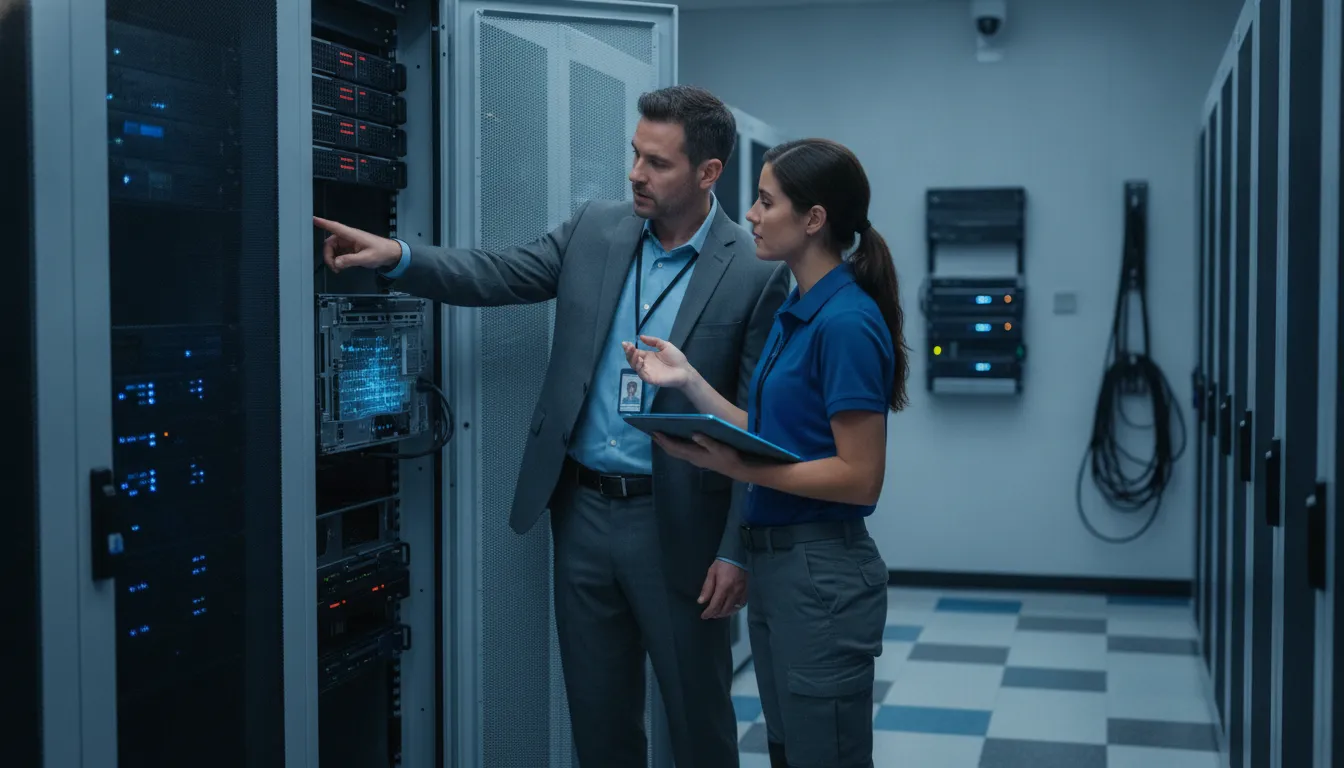
A deleted project folder, failed workstation drive, or ransomware-encrypted server can interrupt estimating, scheduling, production, and client service within minutes. For a small business without dedicated IT staff, the priority is not simply finding a missing file. It is determining what happened, protecting remaining data, and restoring a trustworthy copy without making the damage worse.
Schedule a conversation about managed data protection and recovery.
This guide explains what data recovery involves, when professional assistance is appropriate, and how scheduled backups reduce the need for emergency reconstruction. It focuses on practical decisions for businesses in Georgetown, Round Rock, Pflugerville, and North Austin.
What Is Data Recovery for a Small Business?
Data recovery is the controlled process of retrieving inaccessible, corrupted, damaged, or deleted business information from storage. It may address accidental deletion, drive failure, ransomware encryption, or an overwritten file. For Central Texas SMBs, managed backups and proactive monitoring reduce the chance that a data loss event becomes a prolonged interruption.
Recovery can address several technical situations. A user may delete a folder, a hard drive may fail, or ransomware may encrypt files so authorized staff can no longer open them. Hardware damage and software corruption can also make data unavailable. A construction company may need current project files and schedules. An engineering firm may need design records, while a manufacturer may need production or quality documentation.
The work depends on where the data resides and what happened to it. A restorable backup may allow an IT team to recover a known-good copy quickly. If no usable backup exists, recovery may require examining the original storage media, identifying what remains intact, and transferring recovered information to a safe destination. Repeated consumer recovery attempts can reduce the chance of success when a drive has physical damage.
Data recovery is narrower than disaster recovery planning. Recovery focuses on retrieving or restoring data. A disaster recovery plan covers the wider return to operations, including systems, people, communications, priorities, and procedures. Recovering a database does not automatically restore the applications, network access, or workflows employees need to use it.
For an SMB with limited internal IT resources, the impact extends beyond missing files. Staff may stop work while they search for copies. Operations leaders may need to reconstruct records, postpone deliverables, or make decisions without current information. Computek’s managed IT services connect data protection with the broader support environment.
Key takeaway: Data recovery restores inaccessible business information, while disaster recovery planning coordinates the wider return to normal operations. Businesses reduce disruption when recovery capabilities, backups, monitoring, and operating priorities are addressed before a loss event.
Which Data Loss Situations Require Professional Recovery?
Professional recovery is usually appropriate when a drive is failing or physical damage is present. It is also warranted when ransomware may be involved, an SSD has failed, or continued use could overwrite deleted data. The safest first response is to stop changing the affected system, preserve available evidence, and assess the cause before attempting restoration.
Not every missing file requires a specialist. A recently deleted document on a healthy device may be recoverable with a careful response. The risk rises when storage hardware is failing, files have been encrypted, or new activity may overwrite the original data. The first response should match the cause rather than default to a consumer recovery application.
| Situation | Why it is risky | Recommended first action |
|---|---|---|
| Deleted files | Continued use can overwrite the space that held the files. | Stop writing to the device and preserve the affected storage. |
| Failed or damaged drive | Repeated power cycles or repairs can worsen mechanical or physical damage. | Disconnect it and arrange a professional assessment. |
| Ransomware encryption | Restoring without containment may reintroduce the threat or damage clean copies. | Isolate affected systems and begin incident response. |
| Accidental overwrite | The original version may be replaced by new data or synchronized changes. | Stop editing and identify an earlier restore point. |
| SSD failure | Controller or flash-memory problems can make access unpredictable. | Avoid repeated recovery attempts and preserve the device. |
Why consumer recovery software is not universal
Recovery software can be useful for a narrow, low-risk deletion on a healthy device. It cannot repair a physically failing drive, contain ransomware, or guarantee that an overwritten file remains available. Installing software on the affected device may also write new data to the same storage that holds the missing file.
What to do before changing the device
Stop using the affected storage, pause cloud synchronization, and record what happened, when it happened, and which users or systems were involved. Do not run disk repair utilities or attempt a hardware repair unless a qualified professional directs the work. For ransomware, disconnect affected systems from the network and avoid reconnecting every backup before the environment is assessed.
Computek’s managed data backup and recovery approach can help identify clean restore points and reduce improvisation during an outage. The goal is to recover accurate, usable information without spreading an incident or creating an incomplete operating record.
Key takeaway: Seek professional help when a drive is failing or physically damaged, an SSD is involved, ransomware may be present, or continued activity could overwrite evidence. Preserve the device first, then recover through a controlled process.
How Does Managed Data Recovery Work Before and After an Incident?
A managed data recovery workflow begins before files disappear. Monitoring, backup verification, documented responsibilities, and tested restore procedures give the IT team a reliable starting point when a server fails. After an incident, the team contains the problem, selects a trustworthy restore point, restores in stages, and validates the result with business users.
For a small or midsize business, the process typically follows these steps:
- Intake and triage. The team records what happened, which systems or users are affected, when the issue began, and which operations are most urgent. This separates an isolated file problem from a broader outage.
- Containment. If ransomware, unauthorized access, or a spreading system fault is suspected, affected devices and accounts are isolated before restoration begins. This protects available backups.
- Assessment. The team identifies the cause, determines which data is missing, checks available restore points, and evaluates whether the original device should remain untouched.
- Recovery planning. The recovery point, destination, order of restoration, and business owner for validation are documented. Critical operations receive priority instead of an improvised, system-wide restore.
- Staged restoration. Data is restored to a controlled destination, and systems are brought back in an order that supports safe operations. A clean copy is not treated as usable until it is checked.
- Validation and lessons learned. Business users confirm that files open, applications have the required data, and workflows function. The team documents what failed and what should change.
This sequence matters because recovery is not only a storage task. A restored file may still be unusable if the application that reads it is unavailable, permissions are wrong, or the restore point is incomplete. A managed provider can coordinate data restoration with broader cybersecurity services when an incident may involve unauthorized access or ransomware.
Key takeaway: Managed data recovery assigns ownership before an incident, protects restore points during response, and validates restored data with the people who use it. That process is more dependable than searching for copies after operations have already stopped.
Talk with Computek about a managed recovery plan before an outage.
Why Are Backups the Best Data Recovery Strategy?
Backups are the best data recovery strategy because they provide earlier, known-good copies before deletion, hardware failure, ransomware, or an overwrite occurs. A complete plan combines scheduled backups, separated storage, protected access, useful retention, restore testing, and monitoring. These controls give the business a recovery option when its primary environment is unavailable. Computek’s data backup and recovery services can connect them to ongoing support.
Emergency data recovery is often a race against downtime. A failed drive, ransomware event, accidental deletion, or overwritten file can interrupt estimating, engineering, production, invoicing, and customer service at the same time. Backups change the problem from reconstructing lost information to restoring a usable copy.
That distinction matters because recovery tools cannot guarantee success, especially when storage hardware is physically damaged or a system has been repeatedly accessed after failure. Scheduled backups create recovery points before an incident, reducing the need for costly emergency reconstruction. They also give leadership more options when deciding how far back to restore.

Use more than one copy and more than one location
A backup set should cover the systems and files the business actually needs, including shared folders, server information, cloud data, and other operational records. Copies should not all depend on the same device, account, network path, or physical location. If one problem can remove both the production data and the backup, the design has a serious weakness.
Retention also matters. A single recent copy may not help if corruption or an unnoticed overwrite has already been replicated. A useful retention policy preserves enough history to select a clean restore point while matching the business’s operational and compliance needs.
Test restores, control access, and monitor results
A backup job that reports success is not automatically a usable recovery. Restore testing confirms that files can be retrieved, applications have the required data, and the recovery process is understood before an emergency. Access controls help protect backup copies from unauthorized changes, while monitoring identifies failed jobs, capacity problems, or unusual activity.
Computek’s data protection services can connect backup monitoring with its cloud services and broader managed support. The exact design should reflect the systems and priorities of each business rather than a generic checklist.
Key takeaway: The strongest data recovery strategy is built before data is lost. Maintain separated copies, protect backup access, retain useful restore points, test restoration, and monitor every backup as part of managed IT operations.
What Should Central Texas SMBs Ask About Data Recovery?
Central Texas SMBs should evaluate data recovery by asking what is covered, where copies are stored, how restoration is tested, and who owns the response. A strong plan connects technical controls to business priorities, so construction, engineering, manufacturing, and professional-services teams know what can be restored and who acts first.
A recovery plan should answer operational questions in plain language. Owners and operations leaders do not need a list of product names. They need to understand the conditions under which their team can resume work and the decisions that will be required during an outage.
- What data is included? Confirm that critical shared folders, servers, cloud data, applications, and operational records are identified rather than assuming every useful file is covered.
- Where are recovery copies kept? Ask how copies are separated from the primary environment and what happens if the office, network, account, or server is unavailable.
- How often are backups completed? The right schedule depends on how much work the business can afford to recreate between recovery points.
- How are restores tested? Ask whether testing confirms usable files and applications, not merely that a backup task finished.
- Who responds first? The plan should identify the technical owner, business decision-maker, escalation path, and communication process.
- How is ransomware handled? The response should preserve clean copies and contain affected systems before broad restoration.
- What happens after a failed backup? Monitoring should create an accountable follow-up rather than leaving the business unaware that its only recent copy is incomplete.
These questions are especially important for businesses in Georgetown, Round Rock, Pflugerville, and North Austin. A construction company may prioritize project drawings and schedules. An engineering firm may need design files and client records. A manufacturer may depend on production, quality, and inventory data. The recovery plan should reflect those workflows.
Businesses considering a wider technology review can also explore Computek’s IT consulting services. A review can connect recovery priorities with infrastructure, cloud, security, and support decisions.
Key takeaway: Choose recovery services by testing ownership, coverage, separation, restoration, and response procedures. The best plan is the one that maps technical recovery to the work Central Texas employees must resume.
How Can a Managed IT Partner Reduce Recovery Risk?
A managed IT partner reduces recovery risk by owning monitoring, backup verification, access controls, restore testing, incident coordination, and documentation. For a Central Texas small business. That means recovery is treated as an ongoing operating process instead of a last-minute search for a missing file after staff and customers are already affected.
Recovery risk is lower when someone owns the process before an incident occurs. A managed partner can review backup results, investigate capacity problems, and identify failing storage before an employee discovers that a critical file or application cannot be opened.
Ownership also improves accountability. The provider can confirm that backup jobs are completing, review whether restore points are usable, and help maintain an appropriate retention window. Computek’s service model includes backing up domain and server information to a dissimilar server offsite, supporting access to business data when the primary environment is unavailable. The goal is not merely to create copies, but to maintain a recovery path that can be used under pressure.
During an incident, escalation matters. A managed partner can help contain the problem, preserve evidence, coordinate recovery specialists when needed, and communicate progress to leadership. Afterward, the team can document what failed, determine whether the restore point was adequate, and recommend changes to reduce recurrence.
For businesses in construction, engineering, and manufacturing, this ownership model connects technology controls with operational deadlines. A recovery plan should account for project files, drawings, schedules, production records, financial data, and customer commitments. That is more useful than a generic promise that files are backed up somewhere.
Key takeaway: A managed IT partner reduces recovery risk by owning monitoring, backup verification, access controls, incident coordination, restore testing, and documentation. The result is a repeatable process designed around the business, not a last-minute search for a missing file.
Frequently Asked Questions
These answers address common data recovery questions for small business owners and operations leaders.
Can deleted business files be recovered?
Sometimes. A recently deleted file may be recoverable when the storage device is healthy and new activity has not overwritten the original data. Stop using the device first. For failed drives, ransomware, widespread loss, or business-critical records, involve an IT professional instead of relying on consumer software alone.
Is data recovery possible from an SSD?
SSD recovery is possible, but the outcome depends on the failure, controller, flash memory, and drive behavior. Deleted data may become unavailable sooner than on some traditional hard drives. Avoid repeated recovery attempts and have the device assessed when the data is important.
What should a business do after ransomware encrypts its files?
Isolate affected systems, avoid spreading the encryption, preserve relevant evidence, and contact the technical team responsible for incident response. Do not immediately reconnect every backup or restore from an unverified copy. The recovery team should assess containment and select a clean restore point before restoration.
What is the best way to prevent business data loss?
Use scheduled backups that cover critical systems, keep recovery copies separated from the primary environment, protect backup access, test restores, and monitor backup results. Prevention does not eliminate every incident, but it gives the business more trustworthy recovery options when files become unavailable.
How much does business data recovery cost?
Cost depends on the cause, the storage system, the amount and importance of data, the availability of usable backups, and the urgency of the response. A managed-service agreement can make planning and monitoring more predictable. Ask for a recovery assessment based on the systems and priorities your business actually uses.
Book a conversation with Computek about managed data protection.
Ready to Discuss Managed Data Protection?
Data recovery is most effective when it is planned before a failed drive, accidental overwrite, or ransomware event creates pressure. Computek can help Central Texas businesses connect backup monitoring, recovery procedures, and broader managed IT support to the systems their teams rely on.
Computek serves businesses in Georgetown, Round Rock, Pflugerville, North Austin, and nearby Central Texas communities. The appropriate scope depends on the systems, files, recovery priorities, and support model your organization uses.
Schedule a managed data protection conversation with Computek.