
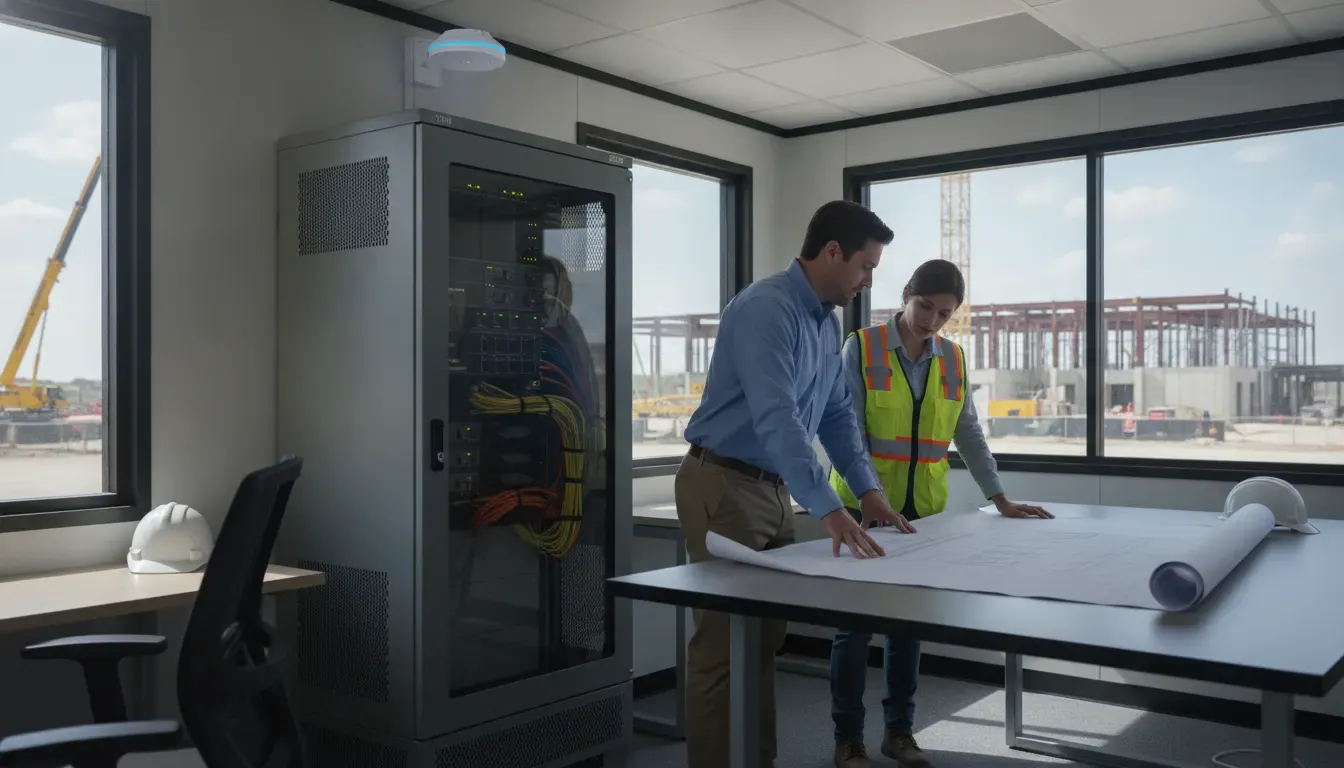
Construction field office Wi-Fi has to support more than email. Project managers may be reviewing drawings, coordinating subcontractors, updating schedules, joining video calls, and accessing cloud-based project systems while the site changes around them. A reliable setup starts with an operations plan, not a single consumer router placed in a trailer.
Schedule a 15-minute call with Computek to discuss your construction connectivity needs.
What should construction field office Wi-Fi support?
Construction field office Wi-Fi should give authorized staff dependable access to the applications, files, and communications that keep a project moving. It should also separate visitors and unmanaged devices, account for the physical layout of the office, and include a support and change plan. The right design is sized to the work, site conditions, user count, and project timeline.
A field office can connect many types of work:
- Project management, scheduling, estimating, and accounting applications
- Cloud file access for plans, specifications, contracts, and change documentation
- Email, messaging, video meetings, and coordination with the main office
- Tablets, laptops, phones, printers, scanners, and other approved devices
- Subcontractor or visitor access that should not reach company systems
That list is a requirements baseline, not a promise that every device should share one network. A superintendent may need access to project files, while a visitor only needs internet access. A printer or shared device may need a narrow path to approved users. Defining those needs before equipment is installed prevents a field office from becoming a flat, undocumented network.
Construction teams in Georgetown, Round Rock, Pflugerville, North Austin, and nearby Central Texas communities may also move between a permanent office, multiple projects, remote work locations, and active jobsites. The Wi-Fi plan should make those transitions predictable rather than forcing the team to solve connectivity from scratch at every project.
Key takeaway: Construction field office Wi-Fi is an operating system for project communication and information access. Plan it around users, applications, devices, security boundaries, and site conditions rather than treating Wi-Fi as a stand-alone hardware purchase.
How do you assess a construction field office before choosing Wi-Fi equipment?
A pre-installation assessment identifies the conditions that determine whether a field office network will be usable. Review the office footprint, construction materials, cabin locations, expected users, device types, internet availability, power, mounting options, and project schedule. A practical assessment can be documented in a short checklist that the project team and IT provider can revisit when the site changes.
- Map the space. Note trailers, stacked or separated cabins, offices, meeting areas, storage rooms, exterior work zones, and any places where users need coverage.
- Estimate demand. Count expected staff devices, shared equipment, guest devices, cameras or other approved connected systems, and peak meeting or file-transfer activity.
- Identify physical obstacles. Metal framing, dense materials, temporary walls, equipment, and changing structures can affect signal strength and roaming. Do not assume a coverage plan for an empty site will remain accurate.
- Confirm the internet handoff. Determine which wired, fiber, cable, fixed wireless, or cellular options are actually available at the location and what installation timeline applies.
- Plan mounting and power. Access points and network equipment need a safe, serviceable location with appropriate power, ventilation, and physical protection.
- Document the project timeline. Note when the office opens, when crews or subcontractors are added, and when the office will move or close.
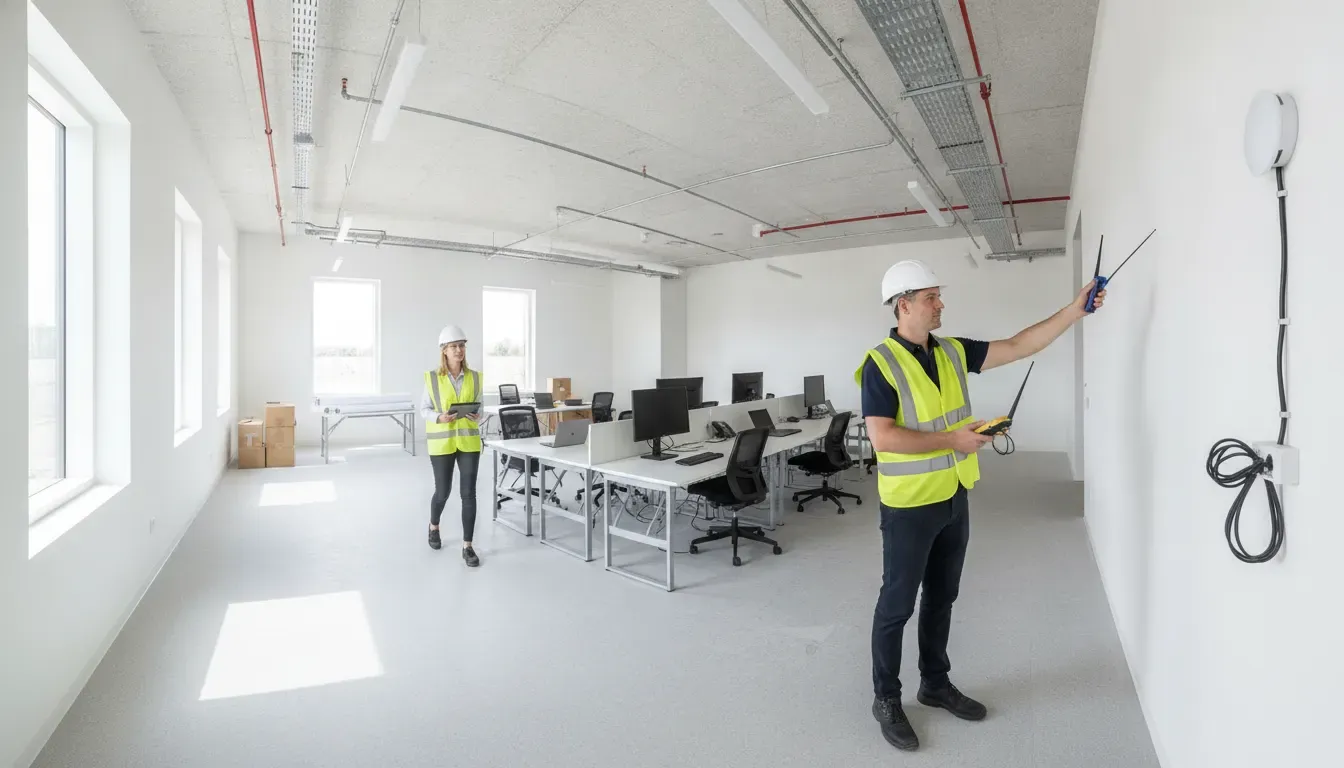
A wireless site survey can add useful evidence when the space, materials, or coverage area make guessing risky. The goal is not to produce an elaborate report for its own sake. The goal is to place equipment where it can serve the actual work and to identify limitations before they interrupt the project.
Key takeaway: Assess the field office as a changing physical environment. A site map, demand estimate, backhaul check, power plan, and project timeline provide better design inputs than choosing equipment by advertised range alone.
Which internet connection is right for a temporary construction office?
The best internet connection depends on what is available at the site, how quickly service is needed, how long the office will operate, and how disruptive an outage would be. A provider should compare practical options instead of assuming that one type of service works for every project. The connection into the office is the backhaul; Wi-Fi distributes that connection locally, but it cannot repair a weak or poorly planned backhaul.
| Option | Where it may fit | Planning questions |
|---|---|---|
| Fiber, cable, or fixed wired service | Established locations where installation is available | What is the install lead time? Where is the handoff? What happens during a provider outage? |
| Fixed wireless | Sites with suitable service availability and a clear installation path | Is the service available at the exact address? Are mounting, line-of-sight, or weather considerations relevant? |
| Cellular connectivity | Fast deployment, temporary offices, or locations without wired service | Is signal reliable at the office? How will usage be monitored? Is there a backup path? |
| Primary plus backup connection | Projects where an outage would materially disrupt work | Will failover be automatic? Which traffic is prioritized? Who tests and supports the changeover? |
Do not treat an advertised speed as a complete design. The team should consider upload demand, latency-sensitive meetings, cloud file transfers, concurrent users, data limits, failover behavior, and the time required to restore service. If the field office needs to connect to the main office or protected business resources, the design should also document how that access is secured and supported.
For a Central Texas contractor, the answer can differ between a developed subdivision, a rural project location, and a temporary office near an established commercial corridor. A local managed IT provider can help compare the serviceable options, document assumptions, and identify what needs to be revisited when the project moves.
Explore Computek managed IT services for network planning, monitoring, and ongoing support.
Key takeaway: Choose the backhaul based on site availability, deployment time, business impact, and recovery options. Wi-Fi equipment only distributes the connection that reaches the field office, so both pieces need to be planned together.
How should a field office network separate staff, guests, and project devices?
Network segmentation limits what each group can reach. At minimum, a construction field office should distinguish company-managed staff devices from guest or contractor devices. Depending on the project, separate policies may also be appropriate for shared equipment or approved operational systems. Segmentation reduces the risk that a visitor device or unmanaged laptop can browse sensitive project resources simply because it joined the local Wi-Fi.
A practical design might include:
- Staff network: company-managed laptops, phones, and tablets that need approved business applications and files
- Guest or contractor network: internet access isolated from internal business systems
- Shared-device network: printers, scanners, or other equipment with narrowly defined access
- Operations network: only when the project has approved connected systems that need a separate policy
Use named administrative accounts, strong authentication, current firmware, and documented access changes. A field office should not rely on a shared administrator password written on a label or on a single network name used by everyone. When a subcontractor’s access is no longer needed, the team should be able to remove it without disrupting staff access.
Security also includes physical controls. Network equipment should be placed where unauthorized people cannot casually reset or unplug it. The project team should know who can approve access, who can change configuration, and how an incident is reported. Computek’s cybersecurity services are relevant when the field office needs to fit into a broader security program rather than operate as an isolated Wi-Fi setup.
Key takeaway: Separate staff, guest, contractor, shared-device, and approved operational traffic according to business need. Segmentation, strong authentication, physical protection, and timely access removal make construction Wi-Fi easier to manage and safer to use.
What should you plan for power, coverage, and changing site conditions?
Construction environments change faster than ordinary offices. A cabin can move, a wall can be added, a work area can expand, or the office can gain a new group of users. A Wi-Fi plan should account for those changes without promising that one access point can cover every indoor and outdoor area. Coverage goals should be specific: which rooms, work areas, and collaboration points need service, and what activity must work there?
Plan for these operational details:
- Coverage boundaries: define where reliable service is required and where it is not.
- Capacity: plan for concurrent users and high-demand activity, not only an empty-room signal test.
- Roaming: if users move between connected areas, test handoff behavior and the application experience.
- Power protection: document the power source, equipment placement, ventilation, and what happens during a power interruption.
- Physical changes: record which changes require a coverage review, such as moving cabins or adding dense materials.
- Outdoor needs: treat yard, gate, parking, or laydown-area coverage as a separate requirement rather than assuming indoor equipment will provide it.
- Equipment recovery: identify how devices will be secured, inventoried, moved, and returned at project close.
When a project has meaningful uptime requirements, monitoring should alert the responsible support team when equipment, connectivity, or power conditions change. Monitoring is not a substitute for a backup plan, but it can shorten the time between an issue and a response.
For firms running several projects, standard documentation makes expansion easier. Keep a simple record of the site address, service provider, equipment inventory, network design, access owners, support contacts, and closure date. That record can be updated when the field office moves instead of recreated after an outage.
Key takeaway: Design for the field office that will exist during the project, not only the office present on installation day. Define coverage, capacity, power, movement, outdoor requirements, monitoring, and equipment recovery before the site changes.
When should a construction company use managed IT support for field Wi-Fi?
Managed IT support becomes valuable when field connectivity is tied to project deadlines, multiple locations, sensitive files, or a limited internal IT team. The provider should help define requirements, coordinate the network, document the design, monitor the environment, support users, and close out the site cleanly. The goal is accountable ownership across the field-to-office connection, not a generic equipment handoff.
Consider outside support when:
- Project teams are losing time to recurring connectivity problems.
- The company is opening or relocating several project offices.
- No one internally owns wireless design, security, inventory, and troubleshooting.
- Staff need secure access to cloud files and business systems from changing locations.
- The firm needs documented standards that can be reused across projects.
- Connectivity, cybersecurity, backup, and user support need to be managed as one program.
Computek supports businesses in Georgetown, Round Rock, Pflugerville, North Austin, and surrounding Central Texas communities with managed IT services, cybersecurity, cloud services, data backup and recovery, and IT consulting. A conversation can clarify whether the need is a one-project network plan, recurring support, or a broader managed service package. Computek does not need a field office to fit a one-size-fits-all model before discussing the requirements.
Key takeaway: Use managed IT support when field connectivity affects project delivery and no internal owner can consistently handle design, security, monitoring, troubleshooting, documentation, and closeout across changing sites.
Book a 15-minute conversation with Computek about a construction field office Wi-Fi plan.
Frequently Asked Questions
Can a construction field office use cellular internet?
Yes, cellular internet can fit temporary offices or locations where wired service is unavailable, provided signal, usage, equipment placement, and support requirements are checked at the actual site. It may serve as a primary connection, a rapid deployment option, or a backup path depending on the project.
How many Wi-Fi access points does a construction office need?
There is no responsible universal number. The requirement depends on the office layout, construction materials, coverage boundaries, user density, device types, mounting locations, and capacity needs. A site assessment or wireless survey is more useful than choosing by square footage alone.
Should contractors and visitors use the same Wi-Fi as project staff?
Usually, no. Guest and contractor access should be separated from staff access so unmanaged devices do not receive unnecessary reach into company systems. The exact policies should match the business need, project rules, and security program.
What happens to the Wi-Fi when a construction project ends?
The closeout plan should identify equipment inventory, data and account access, service cancellation or transfer, documentation updates, and where equipment will be reused. Treating closure as part of the original design prevents forgotten accounts, stranded services, and missing network records.