
When a Round Rock office loses internet access or a Georgetown job site cannot reach shared files, the disruption is not limited to one router. Calls are missed, field work slows, and staff begin troubleshooting instead of serving customers. Network monitoring services give multi-location businesses a clear view of connectivity, devices, and warning signals before a small fault becomes a workday outage.
For a business with two or more offices, crews, warehouses, or remote work points, consistent visibility matters as much as speed. A managed monitoring plan watches the systems that connect daily work. It translates alerts into practical action and helps a local team decide when remote support, vendor coordination, or onsite assistance is needed.
Network monitoring services for multi-location businesses
Network monitoring services use tools and support processes to watch the health and availability of network-connected systems across each business location. For an owner or operations manager, that means a useful answer to a simple question: is every site able to work reliably right now?
A multi-location business may depend on internet connections, wireless access points, routers, firewalls, cloud applications, printers, cameras, and remote connections. If those components are viewed one location at a time, repeated trouble can look unrelated. Centralized monitoring helps a support team see patterns across Georgetown, Round Rock, and nearby Central Texas operations.
What a monitored network can reveal
Monitoring can highlight whether a device stops responding, a connection becomes unstable, or an internet circuit repeatedly struggles during business hours. It can also provide helpful history when a provider needs evidence about an intermittent issue. The goal is not an endless dashboard. The goal is enough information to act before people lose productive time.
Computek Online’s managed IT services support businesses that do not want to depend on employees noticing failures first. A reliable network is part of a broader IT plan that keeps employees connected to the resources required for everyday work.
Why does network visibility matter across several sites?
Visibility creates consistency. If the main office, satellite office, and field connection are all essential to serving customers, each must be part of the same support picture. Monitoring helps identify where trouble begins, who may be affected, and whether the next action belongs with IT support, an internet provider, or a hardware vendor.
Consider a construction firm with an office in Georgetown and crews uploading plans from another location. A weak connection can present as slow software, dropped calls, or failed uploads. With monitoring history, a team can separate a network problem from an application or user-device issue more quickly.
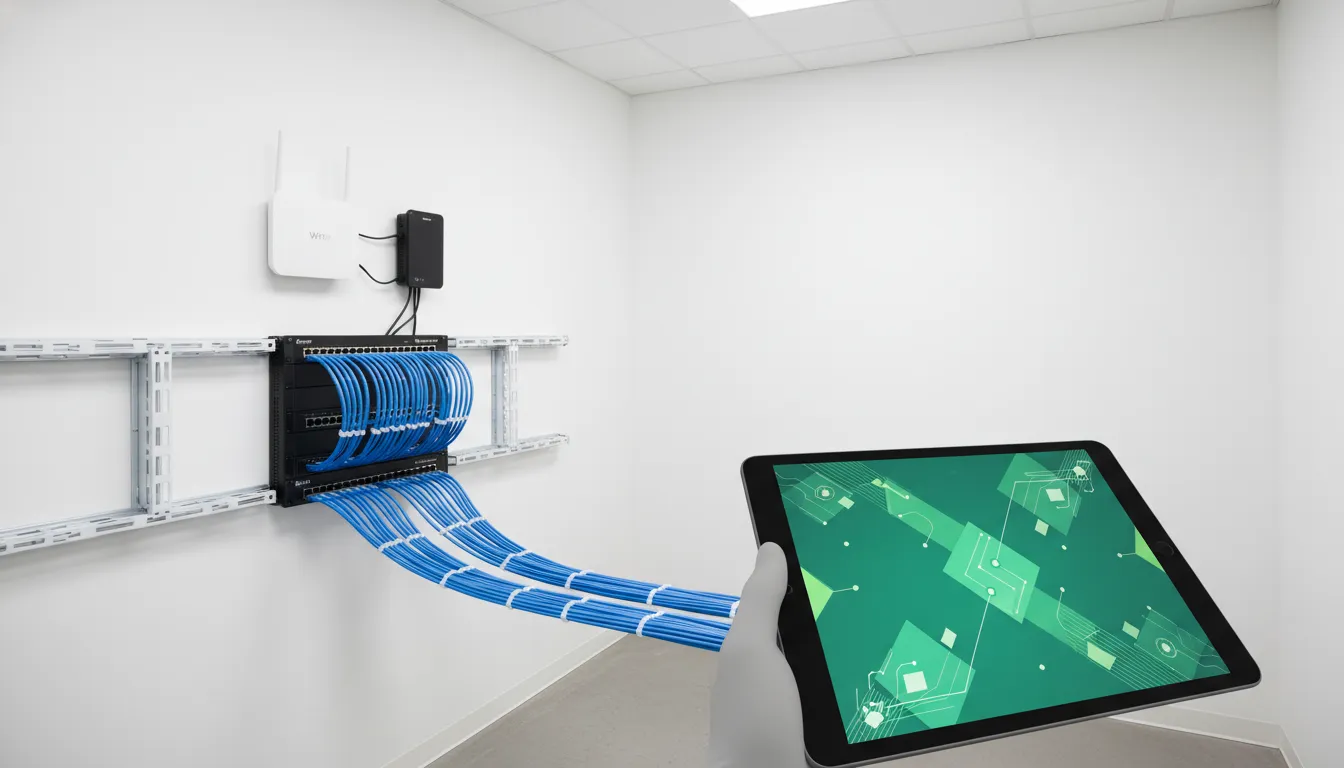
Business continuity starts with daily reliability
An outage plan is useful, but routine visibility may help prevent a disruption from becoming urgent. Businesses can also review Computek Online’s guidance on business continuity planning for Central Texas companies. Monitoring complements that planning by showing whether the connections employees need are operating as expected.
What should a managed monitoring plan watch?
A managed plan should reflect how the business works, rather than treat every device as equally critical. Start by identifying sites, core internet connections, network equipment, business-critical applications, remote access needs, and the people affected by an interruption. That inventory provides context for meaningful alerts.
| Area | Signal | Purpose |
|---|---|---|
| Internet | Availability | Identify access trouble |
| Routers | Device response | Support site access |
| Firewalls | Status | Review the perimeter |
| Wireless | Connection health | Support mobile staff |
| Remote access | Availability | Support remote work |
This compact checklist helps an owner confirm what coverage means in plain terms. It also gives a provider a starting point for reviewing each location without guessing which connections matter most to daily work.
Router and firewall monitoring
Routers and firewalls are important checkpoints between employees, internet services, and business systems. If one becomes unavailable or unstable, several people may experience trouble at once. Monitoring those devices gives the support team an earlier signal and clearer context for troubleshooting.
Reliability and security should work together. A business reviewing firewall oversight, secure access, or risk reduction can connect a monitoring discussion with Computek Online’s cybersecurity services. Monitoring is not a substitute for a security plan, but it can help a support team notice operational signs that deserve attention.
From inventory to useful baselines
A baseline gives a support team a normal point of reference. One location may use more bandwidth during scheduled backups, while another may show steady demand throughout the day. Knowing those patterns can make unusual behavior easier to review without sending technical noise to office staff.
Baselines also improve planning discussions. If an office depends on one connection for cloud access or voice calls, leadership can consider that reliance when planning equipment, internet options, or support priorities.
How do alerts become proactive IT support?
An alert is useful only when it leads to a sensible response. Managed monitoring combines useful thresholds, context, communication, and follow-through. Rather than forwarding every signal to an office manager, a support team can evaluate whether a warning is brief, recurring, or likely to affect work.
- Map critical connections. Identify locations, devices, internet circuits, and remote work dependencies that keep operations moving.
- Set useful alert conditions. Focus attention on availability and performance concerns that may affect employees or customers.
- Investigate the signal. Use monitoring history and remote tools to understand where trouble started and who is affected.
- Coordinate the response. Involve onsite help, the internet provider, or another vendor when evidence points to that step.
- Review recurring patterns. Use repeated issues to guide maintenance, equipment discussions, or future planning.
Remote help with local context
Remote investigation can reduce delay when a location reports slow access or an unavailable device. Local context still matters when an office needs hands-on attention or a provider must be involved. Computek Online is headquartered in Georgetown and serves nearby Central Texas businesses, including Round Rock organizations seeking a local IT relationship.
That approach fits businesses that prefer proactive support rather than waiting for failures to dictate the workday. For more background on that model, read why Central Texas businesses need a proactive IT partner.
Updates owners and office managers can use
Business leaders should not need to decode every device alert. Useful communication explains which site is affected, what employees might experience, what action is underway, and when another update will arrive. That format helps managers answer questions and make practical decisions.
Clear records help after a concern is resolved, too. A brief review of recurring symptoms can guide budget planning, provider conversations, or changes to how a team connects across locations.
Monitoring, patching, and vendor coordination work together
Monitoring is one part of dependable business technology. Devices and network equipment also need maintenance planning, appropriate updates, and clear ownership. When monitoring shows a repeated issue, the next question is whether maintenance, configuration review, replacement planning, or provider support could lower the chance of another interruption.
Patching with business priorities in mind
Updates should be approached thoughtfully, especially when a device supports several locations or remote access. A managed IT team can plan maintenance around business needs. It can confirm the affected equipment and connect network upkeep with the organization’s broader security program.
Clearer conversations with internet and technology vendors
When staff report that a connection has been unreliable for days, monitoring history can help show when an issue occurred and what was affected. That information supports a more productive discussion with an internet provider or equipment vendor. It also lets the business understand whether the issue was isolated or recurring.
That shared record can save time for a manager who does not want to repeat the same troubleshooting at every branch. It can show whether one location has an isolated hardware concern, whether an internet circuit needs review, or whether the same symptom keeps returning across sites. With that context, the business can prioritize the next step instead of reacting to every report as a new mystery.
Vendor coordination also matters for organizations with small teams. An owner may not have time to compare a provider ticket, a firewall event, and reports from several employees. Managed support can gather the right information, explain the likely impact in practical terms, and keep the conversation moving toward resolution. The result is not a promise that every interruption disappears. It is a clearer process when reliability matters most.
Businesses relying on hosted applications or shared resources can explore how cloud computing services relate to access, continuity, and support planning. Network visibility and cloud planning meet at the same practical need: employees must reach the tools that help them work.
Choosing managed network support in Round Rock and Georgetown
A useful support conversation starts with the business, not a product list. How many sites need reliable connectivity? Which offices, crews, or remote staff rely on shared systems? Which interruptions have affected work recently? Answers to these questions help shape monitoring coverage that is understandable and relevant.
Questions to ask a prospective IT partner
- Which sites, network devices, and connections will be included in the monitoring scope?
- How are alerts evaluated before they reach business leadership?
- How will remote troubleshooting and onsite support be coordinated?
- How can recurring issues inform maintenance and technology planning?
- How are cybersecurity and cloud access considered alongside uptime?
For small and midsize businesses with limited internal IT resources, clear communication is as important as technical capability. Owners and managers need to know what requires action, what can be planned, and what support handles behind the scenes. A local partner can connect monitoring results to Central Texas operations without forcing staff to become network specialists.
A discovery conversation can start with plain details: the sites you depend on, any recurring connection trouble, and the applications that staff must reach. From there, coverage can be shaped around the way your locations actually serve customers each day.
Frequently asked questions about network monitoring services
These brief answers address common questions from businesses comparing proactive monitoring and managed support for more than one location.
What is a network monitoring service?
A network monitoring service watches the availability and operating signals of connected equipment and internet links. It helps a support team respond to meaningful issues and gives a business visibility into connections that support everyday work.
How can network monitoring improve business uptime?
Monitoring can flag connectivity or device concerns earlier and provide history for troubleshooting. When a team can investigate a warning before employees face a larger disruption, the business is better positioned to keep work moving.
Do multi-location businesses need network monitoring?
Businesses with multiple offices, crews, or remote work points often depend on several connections at once. Monitoring provides one support picture, making it easier to investigate trouble at one location without losing sight of the others.
Can monitoring support cybersecurity and remote access planning?
Monitoring can help a managed IT team understand network availability and device status as part of a wider plan. Secure remote access and cybersecurity controls require their own review, but network visibility supports informed planning and follow-up.
What should a business prepare for a monitoring conversation?
Bring a list of work locations, key connections, commonly reported issues, and applications staff must reach each day. This simple preparation helps a support team discuss the right coverage and priorities.
Ready for clearer network visibility?
If your teams work from more than one Central Texas location, reliable connections should not depend on someone reporting the first failure. Computek Online helps businesses in Georgetown, Round Rock, and surrounding communities plan proactive IT support around the way they work.
Schedule a network monitoring services conversation with Computek Online.