
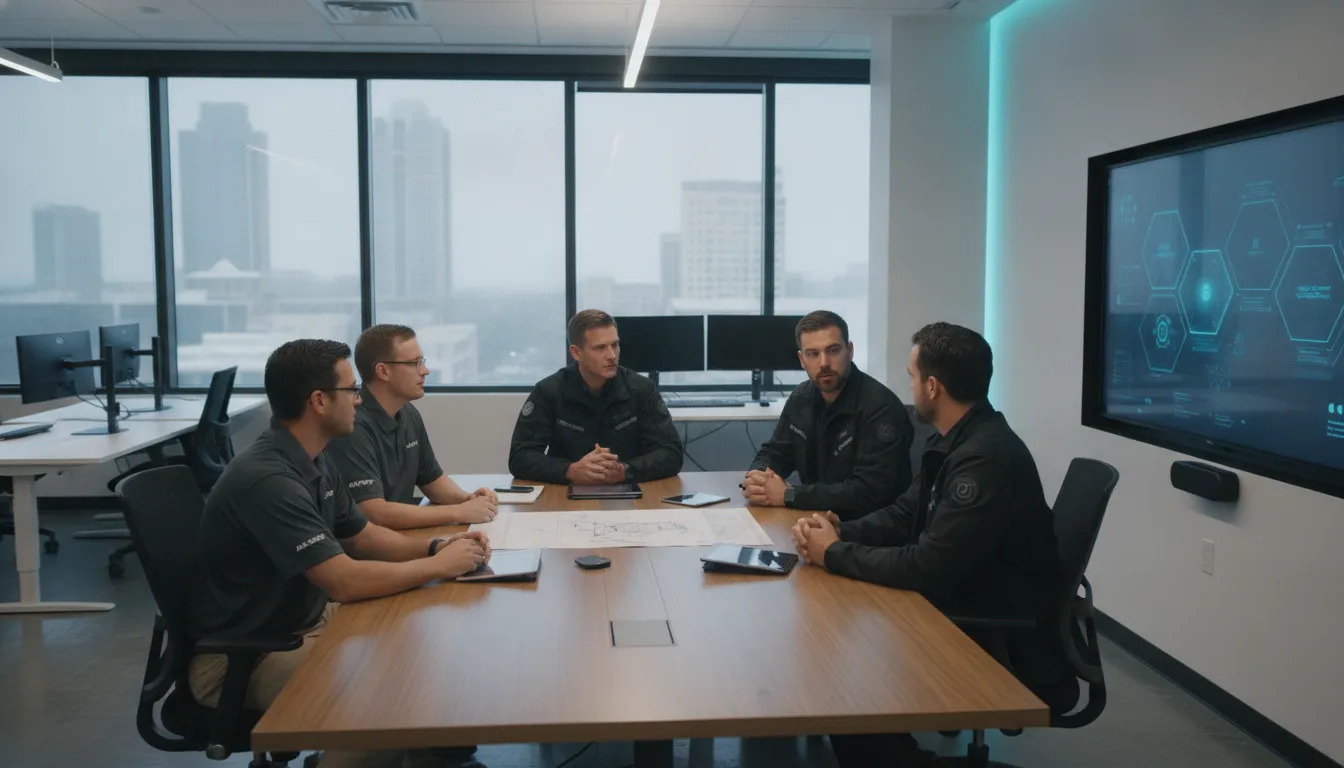
A growing business can reach a point where its internal IT team knows the environment well but no longer has enough time or specialized depth to cover every demand. Co-managed IT services Austin businesses use solve that capacity problem without replacing trusted in-house staff.
Talk with Computek about co-managed IT services for your Austin business.
In a co-managed model, your team keeps control of the priorities and systems it knows best. A local IT partner fills defined gaps, such as proactive monitoring, cybersecurity, cloud projects, help desk coverage, or after-hours support. The result is a flexible working relationship built around clear roles rather than an all-or-nothing outsourcing decision.
For businesses across North Austin, Round Rock, and Georgetown, this approach can support growth while protecting institutional knowledge. It gives internal staff room to focus on strategic work and gives leaders access to added resources when needs change. The first step is understanding how the model works and where it creates the most value.
Co-managed It Services Austin: What are co-managed IT services?
Co-managed IT services are a shared support model where an outside provider works beside a company’s internal IT team. Instead of replacing staff, the provider adds tools, people, and skills where the team needs more support. The internal team keeps its role, business knowledge, and control over agreed decisions.
A shared support model
Each side owns a clear set of duties based on the company’s needs. The internal team may lead technology plans, manage key business apps, and support staff. The provider can cover routine work, complex projects, or tasks that need skills the internal team does not have.
This model gives a small IT team access to added experience without handing off the whole IT function. Research on IT operations notes that collaboration can reduce costs and provide broader expertise. The result is one working team with shared goals, not two separate groups competing for control.
- The internal team may own user access, while the provider watches networks and servers.
- The provider may run software updates, while internal staff test changes in key business apps.
- Internal staff may handle daily help requests, while the provider takes escalations and after-hours issues.
- The provider may guide security controls, while company leaders approve policy and risk choices.
How the partnership works
The two teams first agree on ownership, response times, tools, and ways to share updates. These details are often recorded in a service plan and a responsibility chart. Both sides then know who responds, who approves changes, and when an issue should move to a specialist.
For a growing company, the split can change as needs shift. A provider may cover monitoring during a busy season, then help with a cloud project later. Computek’s managed IT services can supplement internal teams with remote support, maintenance, and added technical capacity.
Clear control and accountability
Good co-management depends on clear access rules and regular communication. The provider needs enough system access to complete assigned work, but the company should still control approvals and key accounts. This balance helps the internal team stay informed while the provider works without needless delays.
Security duties also need named owners because an outside provider may have access to important systems. The Cybersecurity and Infrastructure Security Agency’s MSP risk guidance explains why companies should assess third-party access. For businesses seeking co-managed IT services in Austin, this shared-accountability model adds support while preserving internal oversight.
When does a growing business need co-managed support?
A growing business needs co-managed support when its internal IT team cannot cover every demand. Daily needs, new projects, and risk management may compete for the same limited time. Co-managed IT services in Austin add capacity and skills while the internal team keeps control of priorities, systems, and vendor relationships.
Workload that blocks planned projects
Your IT team may spend each day closing tickets, setting up users, installing updates, and fixing the same recurring issues. The need for added capacity becomes clear when planned work keeps moving because urgent requests always come first.
- Important upgrades remain in the backlog.
- One employee holds most system knowledge.
- Help desk requests take longer to resolve.
- New locations, hires, or tools strain the team.
- Staff regularly work after hours to catch up.
These signs do not mean the internal team has failed. They show that business demand has passed the team’s current capacity. Outside collaboration can also add expertise and a broader view, as noted in research on IT operations.
Coverage gaps and recurring disruptions
Growth often adds cloud tools, remote users, vendors, and more devices across Central Texas. A small team can struggle to watch every system while also supporting staff in Georgetown, Round Rock, and North Austin.
Look closely at outages that repeat, alerts reviewed too late, or maintenance delayed until a quiet weekend. These patterns suggest the business needs steady monitoring and clear backup coverage during vacations, sick days, and major projects.
A co-managed partner can take ownership of selected routine work, while internal staff focus on business-specific systems and plans. Computek’s managed IT services include support options that can help fill those operating gaps.
Specialized risks beyond the team’s skills
A business may also need added support when a project calls for skills the internal team does not use every day. Common examples include a cloud move, backup planning, security reviews, compliance work, and recovery testing.
Security needs deserve added care because a co-managed provider receives trusted access to company systems. The CISA guidance for MSP customers advises businesses to consider the risks tied to third-party access.
The right time to seek support is before overload causes a missed update, stalled project, or avoidable disruption. Clear roles let the provider cover defined gaps without replacing the people who know the business best.
Co-managed IT vs. fully managed IT
Co-managed IT and fully managed IT use outside expertise in different ways. Co-managed support extends an existing IT team, while fully managed support takes primary responsibility for daily technology operations. The right model depends on your staff, preferred level of control, and current workload.
How the models divide responsibility
With co-managed IT, the internal team keeps ownership of selected systems, projects, or business decisions. The provider fills clear gaps, such as help desk coverage, network monitoring, security support, or complex projects. This split lets internal staff keep direct control where their business knowledge matters most.
Under a fully managed model, the provider becomes the main IT team. It handles routine support, system upkeep, monitoring, and planning under an agreed scope. Businesses can use managed IT services without hiring and leading a full internal department.
| Area | Co-managed IT | Fully managed IT |
|---|---|---|
| Control | Shared with the internal IT team | Mostly assigned to the provider |
| Staffing | Supports existing IT staff | Acts as the primary IT team |
| Responsibilities | Split by skill, system, or workload | Broad daily operations under one scope |
| Expertise | Adds skills for chosen needs | Provides broad support across the environment |
| Best fit | Businesses with an internal IT role or team | Businesses without dedicated IT staff |
Control, expertise, and staffing
Co-managed support works best when leaders want to keep an internal IT function but need more capacity or skills. For example, an IT manager may own business applications while the provider handles user requests and monitoring. Research on IT operations notes that collaboration can reduce costs and bring broader expertise.
A fully managed arrangement reduces the need to recruit, train, and manage an in-house IT team. The provider covers the agreed environment, but the business still sets goals and approves major decisions. Clear roles remain important because outside providers need access to sensitive systems and data.
Which model fits your business?
Choose co-managed IT when your internal staff knows the business well but lacks time, coverage, or a certain skill. It can also help during growth, large projects, or staff leave. A defined support plan keeps both teams from duplicating work or missing key tasks.
Businesses comparing co-managed IT services in Austin should map each recurring task to a clear owner. They should also list skills the internal team lacks and note where after-hours coverage matters. This review shows whether shared support will solve the gaps or create added handoffs.
Choose fully managed IT when no employee can own daily technology operations. This option gives leaders one accountable partner for support and upkeep. Businesses that need strategic direction can also pair either model with IT consulting to align technology plans with business goals.
Benefits of co-managed IT services in Austin
The strongest co-managed relationships give an internal team more capacity without taking away its authority. Instead of forcing staff to choose between urgent tickets and long-term improvements, the provider absorbs agreed tasks and helps maintain steady coverage.
More capacity for daily support
As a company adds people, devices, locations, and software, routine requests grow quickly. A co-managed provider can handle selected help desk work, monitoring, patching, and maintenance. Internal staff can then spend more time on projects that require direct knowledge of the business.
This structure also creates backup during vacations, busy periods, and large rollouts. Computek offers managed IT services that can be shaped around the gaps a small internal team needs to fill.
Access to specialized skills
A small IT department cannot reasonably maintain deep expertise in every technical area. Co-managed support gives the team a path to specialists for cybersecurity, cloud services, backup planning, network work, and complex projects. The business can use that expertise when needed instead of hiring a full-time specialist for every discipline.
For example, a provider can help assess risks and coordinate improvements alongside the people who already manage the environment. Computek’s cybersecurity services can support that focused work while the internal team remains involved in decisions.
Stronger continuity and proactive coverage
Internal teams often know which systems matter most, but urgent requests can crowd out preventive work. A co-managed partner can take ownership of monitoring and maintenance so potential issues receive attention before they interrupt operations. Clear escalation paths also help the right person respond faster.
Local support matters when a problem requires an on-site response or a project needs hands-on coordination. For Austin-area businesses, a nearby partner can work closely with internal staff while still providing the tools and processes of a broader support team.
More focus on business priorities
When routine work is controlled, internal IT leaders have more time for planning, process improvement, user training, and technology decisions. They can work with leadership on upcoming needs rather than spending every day reacting to tickets.
Co-managed support is therefore not only an added pair of hands. It is a way to protect the internal team’s time and help technology keep pace with business growth.
How to build an effective co-managed IT partnership
An effective partnership starts with clear ownership, shared tools, and a plan for handling urgent issues. The goal is not to replace the internal team. It is to give that team reliable support where its time or skills are limited. Academic guidance on IT collaboration notes that this approach can reduce costs and broaden access to expertise.
Roles and service scope
Start with an open review of the current IT setup, workload, risks, and business plans. Include the people who manage systems each day. Their input will show where delays happen and which tasks need outside support. Then use these six steps to shape the working relationship.
-
Define ownership. List each system, tool, and routine task. Assign one owner and one backup for each item. Make clear whether the internal team or provider approves changes, manages vendors, and updates users.
-
Assess gaps. Review open tickets, aging hardware, security controls, backup checks, and planned projects. Look for work that keeps getting delayed. Also note skills that are hard to maintain on a small team.
-
Select the right services. Match each gap to a service with a clear business purpose. Options may include monitoring, help desk coverage, security, backups, or project support. A flexible managed IT services plan should add capacity without creating duplicate work.
-
Document escalation. Set priority levels, response targets, contact methods, and decision rights. Name the person who takes charge during a major outage or security event. Record when leaders, vendors, or insurers must be notified.
-
Plan onboarding. Create a shared list for access, tools, systems, contacts, and active risks. Test account permissions before support begins. Schedule short handoff sessions so both teams understand the environment and each other’s process.
-
Review results. Choose a small set of measures tied to the original gaps. Useful measures include ticket age, repeat issues, backup test results, project progress, and user feedback. Review them on a set schedule and adjust the service scope when needs change.
Onboarding and escalation details
Good onboarding protects service quality and reduces confusion. Give the provider only the access needed for assigned work, then keep a record of approvals and changes. CISA advises MSP customers to consider the risks created by third-party system access. The escalation plan should also cover after-hours events, local site visits, and backup contacts.
Regular service reviews
A service review should connect technical work to business needs. Discuss unresolved risks, recurring tickets, upcoming hires, vendor changes, and planned growth. Use each review to confirm who owns the next action and its due date. For larger upgrades or long-term planning, bring IT consulting support into the review before the work begins.
What to look for in an Austin co-managed IT provider
The right provider should strengthen your internal IT team without taking over work it already handles well. When comparing co-managed IT services Austin businesses can use, start by defining which duties stay in-house. Then ask each provider to explain how its team will fill the remaining gaps.
Local response and flexible service scope
Local support matters when a server, network device, or office system needs hands-on work. Ask where technicians are based, which Austin-area locations they serve, and how they handle urgent on-site requests. Also confirm who decides when a remote issue requires an office visit.
Service scope should match your current needs and change as your team grows. A provider may handle monitoring, updates, help desk requests, backup checks, or special projects. Review the provider’s managed IT services to see which tasks can supplement your staff.
- List the systems, locations, and users covered by the agreement.
- Define the duties owned by internal staff and the provider.
- Confirm whether roles can change without replacing the full agreement.
- Ask what happens when an issue falls outside the stated scope.
Documentation, security, and escalation paths
Good documentation keeps both teams aligned. Ask how the provider records assets, system changes, recurring issues, vendor contacts, and recovery steps. Your internal team should have suitable access to those records, with clear rules for keeping sensitive details safe.
Security practices deserve close review because the provider may have broad access to your systems. The CISA guidance for MSP customers highlights the risks tied to third-party system access. Ask how the provider controls privileged accounts, verifies technicians, protects remote tools, and reports security events.
An escalation path should name the people responsible at each stage. Confirm who receives a routine ticket, who handles urgent incidents, and when management joins the response. Ask for response targets, contact methods, after-hours rules, and a process for unresolved issues.
Reporting and working relationship
Useful reports should show what happened and what needs attention next. Look for plain-language updates on ticket trends, system health, security work, project status, and open risks. Ask how often your teams will review results and assign follow-up actions.
Cultural fit is also practical, not personal preference alone. The provider should respect your staff’s knowledge, explain choices clearly, and share responsibility without creating confusion. Its approach to IT consulting can show how it connects technical work to business plans.
Before signing, test the working model with a real scenario. Ask each provider to explain how it would manage a failed backup, urgent access request, or delayed project. The answer should reveal its communication style, escalation habits, and willingness to adjust roles as needs change.
Talk with Computek about co-managed IT services for your Austin business.
Frequently Asked Questions
How much should co-managed IT services cost?
Co-managed IT costs depend on the systems covered, support hours, security needs, and tasks assigned to the provider. Many providers use flat-rate or tiered plans, which can make monthly spending more predictable. Ask each provider to define included services, response times, project fees, and exclusions. Then compare that scope with the cost and workload of adding internal staff.
How do co-managed IT services integrate with internal IT teams?
A co-managed provider and the internal IT team agree on responsibilities, escalation paths, tools, and communication routines before service begins. The provider may handle monitoring, updates, help desk requests, or complex escalations. Internal staff keep ownership of selected systems and business priorities. Clear documentation and regular reviews help both teams avoid duplicated work, missed requests, and unclear accountability.
What types of specialized IT support do co-managed providers in Austin offer?
Co-managed providers may supply cybersecurity guidance, cloud management, network monitoring, backup and disaster recovery support, help desk coverage, and project expertise. The exact mix should address gaps in the internal team’s skills or available time. For example, the CISA guidance for MSP customers recommends considering risks created by third-party system access when selecting a provider.
Is co-managed IT right for a growing Austin-based company?
Co-managed IT can fit a growing Austin company when its internal team needs added capacity or specialized skills but should retain control of key systems. It is especially useful when routine support delays strategic projects or new locations increase technical demands. Before choosing this model, define current gaps, expected growth, response-time needs, and which responsibilities must remain in-house.
Ready to Extend Your IT Team’s Capacity?
Waiting until workloads overwhelm your internal IT team can increase backlogs, delay priority projects, and leave important systems without consistent oversight. Starting now gives your team time to define responsibilities, address immediate gaps, and build a support plan before the next growth phase. With the right co-managed approach, your staff can stay focused on strategic work while gaining reliable help for daily demands and specialized needs.
Ready to give your IT team more capacity? A focused conversation can clarify which demands need outside support first and which responsibilities should remain in-house. Contact Computek to schedule an IT consultation and create a practical support plan for your growing Austin business with confidence.