
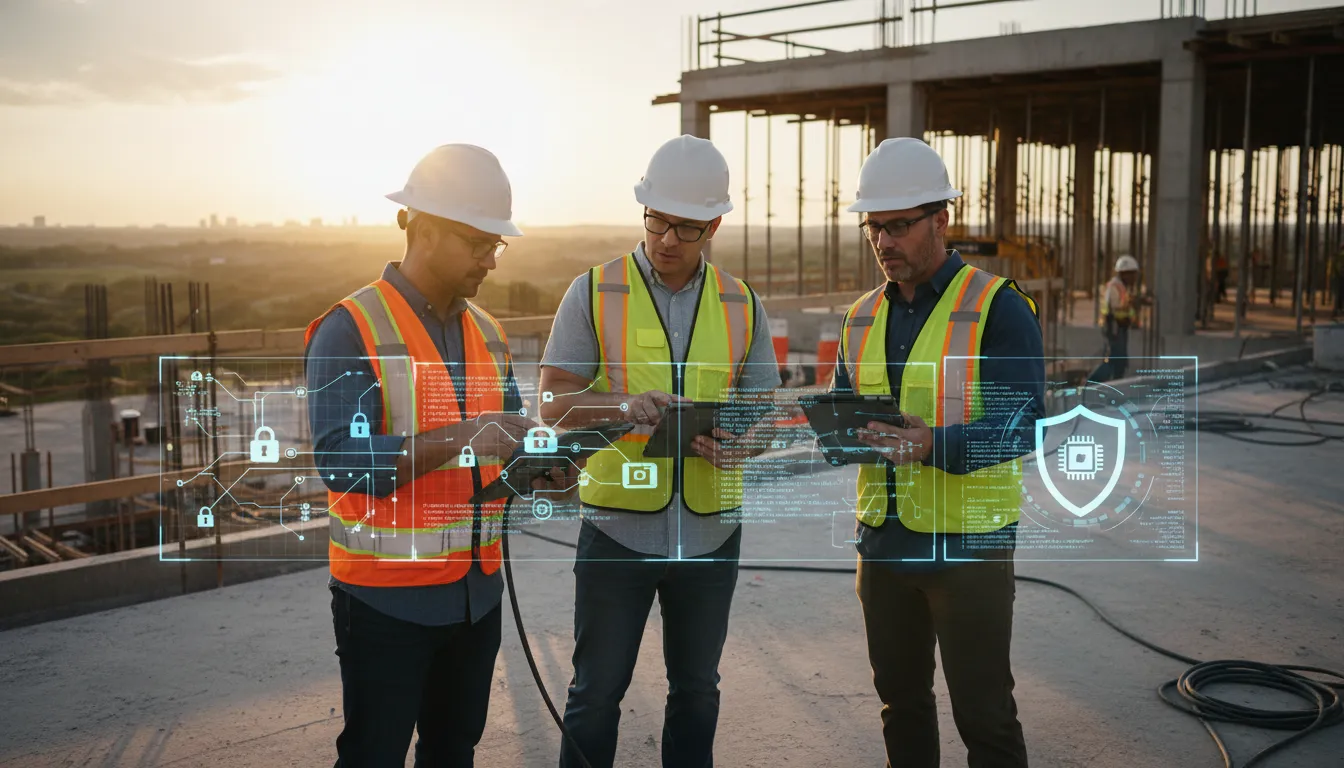
Cybersecurity for construction protects plans, bids, schedules, invoices, jobsite devices, and subcontractor accounts from avoidable exposure. Central Texas contractors need a jobsite-ready plan built around multifactor authentication, role-based access, software updates, tested backups, protected devices, staff training, and active monitoring.
Contact Computek to discuss a practical cybersecurity plan for your construction business.
Construction project data needs comprehensive cybersecurity strategy to protect sensitive plans, bids, and subcontractor accounts from threat actors.
Cybersecurity for construction protects the shared digital systems that keep projects moving: plans, bids, schedules, invoices, jobsite devices, and subcontractor accounts. A practical plan combines multifactor authentication, access limits, software updates, tested backups, protected devices, staff training, and 24/7 monitoring across the office and field. Training is essential because the FBI reported that phishing and spoofing ranked among the top three cyber crimes by victim complaints in 2024. Contractors should also separate business systems from jobsite equipment, review vendor permissions, and keep an incident response plan ready for a real disruption. For Central Texas contractors, this means controlling every account and device, limiting subcontractor access, and preparing a tested response before one incident delays active work.
Protecting a Central Texas construction company means answering a practical question: where can one weak login, tablet, laptop, or vendor account interrupt the work? The next section, Why cybersecurity for construction requires a jobsite-ready plan, explains where to start protecting daily operations. The path begins with:
Why cybersecurity for construction requires a jobsite-ready plan
A construction company does not work inside one office perimeter. Plans, bids, payroll files, and change orders move between the office and active jobsites. Staff may open cloud tools on laptops, tablets, and phones. Cybersecurity for construction must protect that daily flow of work.
Data that moves with the project
A practical plan starts with the data needed to keep a project moving. Map where crews, project managers, estimators, and payroll staff store and share files. Then list the devices used to reach those files. A lost phone or an old tablet can create an avoidable gap.
Connected building systems also deserve attention. NIST notes that connected HVAC and other building systems create a more urgent need for security. The same jobsite plan should cover cloud logins, mobile devices, and any connected systems used during a build.
More people in the workflow
Construction work often brings owners, vendors, general contractors, and subcontractors into the same project flow. Each group may need different files and tools. Access should match the work, not stay open by default. Remove access when a phase ends or a subcontractor leaves the job.
Email also needs a clear place in the plan. The FBI listed phishing and spoofing among the top three cyber crimes reported by victims in 2024. Train staff to pause before opening links or approving a payment change. Confirm requests through a known phone number.
A Central Texas operating plan
A Central Texas contractor may run work in Georgetown, Round Rock, and North Austin during the same week. Security rules need to follow the crew from site to site. That means consistent logins, device updates, backups, and a clear process for reporting a lost device.
The goal is not a stack of tools with no owner. It is a working plan for the office, the field, and outside partners. Local cybersecurity services for construction can help tie those parts together and keep the plan current as projects change.
Which project-data risks should construction firms prioritize?
Cybersecurity for construction starts with the files and payments that keep a job moving. Bids, drawings, schedules, change orders, and invoices pass between office staff, field teams, and outside partners. A useful risk review asks what could stop work, delay payment, or expose a project file.
How risks reach a project
Phishing is a practical first concern because it can lead to stolen logins or a changed payment request. The FBI lists phishing and spoofing among the top three cyber crimes by complaint volume reported in 2024. An invoice email may look routine, especially when crews and vendors already exchange updates throughout the day.
Ransomware is another direct threat to continuity. If shared folders become unavailable, teams may lose access to plans, bid files, photos, or schedules when they need them most. Backups matter, but firms should also test whether clean files can be restored without guessing under pressure.
| Risk | What it can disrupt | First safeguard |
|---|---|---|
| Phishing and invoice fraud | Payments, email accounts, and vendor trust | Verify payment changes through a known phone number. |
| Ransomware | Plans, schedules, bids, and shared folders | Keep tested backups separate from daily systems. |
| Weak access controls | Project portals and cloud files | Use separate accounts and multi-factor authentication. |
| Lost or unmanaged devices | Jobsite email, photos, and stored files | Track devices and enable remote lock or wipe. |
| Subcontractor or vendor access | Shared folders and project systems | Limit access by project and remove it promptly. |
| Insecure connectivity | Remote logins and data sent from jobsites | Use approved networks and secure remote access. |
Which risks come first?
Start with the systems that affect cash flow and active work. Protect email accounts, accounting access, shared project folders, and any portal used by multiple firms. Then list who has access, which devices they use, and how fast access is removed after a job ends.
Priorities should reflect how the firm works. A contractor with many field tablets may focus first on device control and remote access. A firm with many subcontractors may focus on shared folders, account limits, and a clear offboarding step.
Connected systems and shared responsibility
Connectivity also deserves a place in the review. Jobsite networks, cloud tools, and connected building systems can create paths into business data. NIST notes that connected building systems need security for their data and applications based on their purpose and the owner’s intent.
No single safeguard covers every path. A practical review pairs account controls, device tracking, tested backups, and vendor access rules with staff training. Firms can use a Texas SMB security checklist to turn the risk list into a repeatable review.
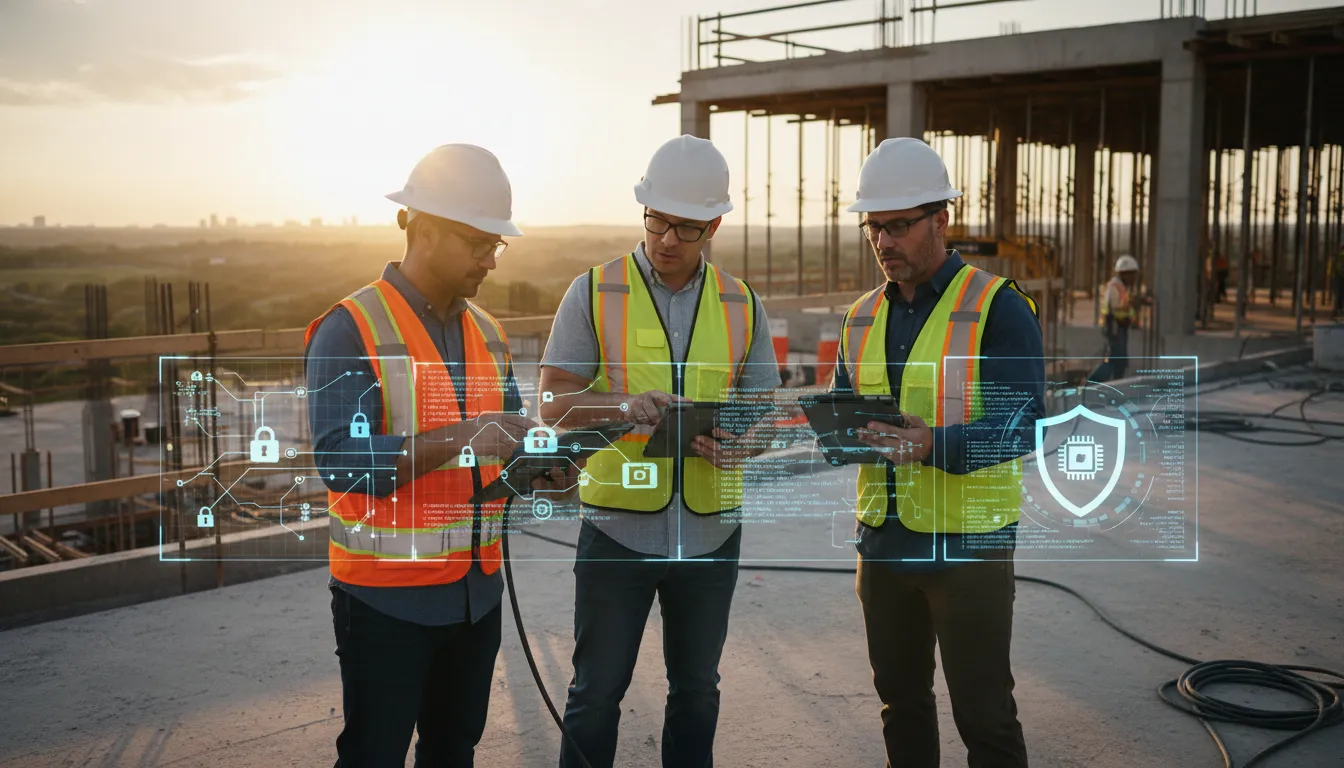
How do you secure access across offices, jobsites, and subcontractors?
One account for each person
Start with a simple rule: every employee and subcontractor gets a unique account. Shared logins make it hard to see who opened a bid, plan, or project folder. Require multi-factor authentication (MFA) for email, cloud storage, accounting tools, and any remote access portal.
Give each person only the access needed for the current job. A superintendent may need plans and schedules, while an outside electrician may need one project folder. This role-based approach limits exposure when a password is stolen or a contract ends.
Keep an access list for employees, subcontractors, software vendors, and other third parties. Review it at set points during each project, not only after a problem. Remove access promptly when someone leaves, changes roles, or finishes work. A clear offboarding checklist should cover email, cloud files, remote access, and shared apps.
Separate and managed devices
Jobsite phones, tablets, and laptops move between trailers, vehicles, homes, and public spaces. Keep company work on company-managed devices when possible. Do not let personal devices become the only place where project data, photos, or client details live.
Use mobile device management to set screen locks, encryption, updates, and remote wipe rules. Install operating system and app patches on a routine schedule. Replace devices that no longer receive security updates. Computek’s project-data protection checklist can help teams track basic safeguards across office and field devices.
Connected tools also deserve attention. NIST notes that connected building systems create a more urgent need for security. Keep equipment controls, cameras, and temporary jobsite networks separate from general office traffic when the setup allows.
Controlled remote and vendor access
Remote access should follow the same rules as office access. Use an approved secure remote access method, require MFA, and block direct logins that bypass it. Do not leave old vendor accounts active just because they may be useful later.
Review vendor access at regular intervals and after each project phase. Confirm the account owner, business need, allowed systems, and end date. Use time-limited access for short assignments. Ask vendors to name the staff who need access instead of giving one shared password to an entire crew.
These controls work best when someone owns the routine. Assign one person to approve access, check device status, and confirm offboarding steps. If that workload is hard to maintain, managed cybersecurity services for construction can support the process without adding more work for field leaders.
Review your construction cybersecurity priorities with Computek before the next project handoff.
What should a construction data backup and recovery plan include?
Backups are only useful when the team can restore them under pressure. A construction firm should pair stored copies with a written recovery plan for project files, office systems, and cloud tools. This supports cybersecurity for construction by turning a saved copy into a tested path back to work.
Critical files and backup timing
Start by mapping the files that keep each project moving. Include active plans, bids, contracts, change orders, schedules, payroll records, vendor details, and accounting data. List the system owner and the approved storage location for each file group.
Set backup timing from the amount of work the company can afford to lose. A bid team may need recent copies because estimates and submissions change fast. An archive may allow a longer gap. Avoid using one schedule for every file just because it is easier to manage.
Protected copies and restore tests
A backup should not sit beside the original data with the same access path. Keep protected copies apart from day-to-day systems, and limit who can change or delete them. Review that access on a set schedule. A structured data backup and recovery process makes these checks repeatable.
Test restores on a routine calendar instead of waiting for an outage. Use a sample from each critical file group and confirm that the restored version opens correctly. Record the test date, the files checked, the result, and any fix needed. A backup log should show which issues remain open.
Response ownership and continuity
Give each recovery task an owner and a backup contact. Write a short response guide for office outages, locked files, lost devices, and unavailable cloud tools. The guide should state who declares an incident, who contacts vendors, and which systems return first.
NIST guidance for connected building systems notes that security needs grow as systems connect inside and outside a building. That concern extends the recovery plan beyond office documents. Save approved exports or configuration records for key cloud tools when the service allows it.
- Keep current contact details for the recovery owner, vendors, and key project leads.
- Document a manual way to reach crews, clients, and subcontractors during an office or cloud outage.
- Define which bids, active projects, and finance tasks must resume first.
- Review the plan after each restore test, major software change, or incident.
The recovery plan should be short enough to use during a stressful event. Store a protected copy where the response team can reach it if the normal network is down. A plan that is owned, tested, and easy to follow gives backups a clear business purpose.
A prioritized cybersecurity checklist for construction leaders
Cybersecurity for construction works best when leaders set a clear order. Start with the systems that can stop work, expose customer data, or block payment. For a practical baseline, use this construction security action list alongside the steps below.
The first-day priorities
Begin with access, devices, and recovery. These areas affect bids, plans, invoices, email, and jobsite work. Assign one owner for the checklist. Record the due date and proof for each task.
Connected building systems need care too. NIST notes that HVAC and other systems now connect both inside and outside a building. Its guidance says the need to keep them secure has become more urgent.
The six-step plan
Complete the work in sequence. The first three steps reduce common gaps now. The next three steps limit outside exposure. They also help the company respond when something goes wrong.
- Inventory critical data and access. List where bids, plans, contracts, payroll files, and project records live. Record who can open each system. Remove former staff accounts.
- Enable multi-factor authentication. Turn on MFA first for email, accounting, cloud storage, and remote access. Apply it to leaders, office staff, project managers, and anyone with admin rights.
- Patch and manage endpoints. Track laptops, desktops, phones, tablets, and shared jobsite devices. Set a patch schedule. Require supported software, and remove tools that no longer receive updates.
- Restrict vendor and subcontractor access. Give each outside user only the systems needed for current work. Review access when a project ends. Remove stale accounts without delay.
- Protect and test backups. Back up the files that keep projects moving. Test whether the team can restore them. Keep recovery instructions where leaders can reach them during an outage.
- Document response and train staff. Name the people who handle a suspected incident, missed device, or phishing email. Practice how staff report issues and who makes business decisions next.
A repeatable leadership review
Review the checklist on a set schedule and after staff, vendor, or software changes. Keep the proof simple: an account list, device list, backup test record, and training log. This gives leadership a clear view of unfinished work.
Training is not a one-time task. The FBI lists phishing and spoofing among the top reported cyber crimes by complaint count in 2024. Short refreshers help staff pause before they open a link or share credentials.
When should a contractor bring in managed IT support?
Ad hoc security can work while a contractor is small and systems are simple. It stops working when no one owns the full picture. The shift often happens as more staff, jobsite devices, cloud tools, and client accounts enter the mix.
Signs that ad hoc security is no longer enough
Bring in support when basic questions take too long to answer. You should know which devices connect to company data and who still has access. You should also know when key systems were last patched. Backup checks need a clear owner.
- No one is accountable for routine security work.
- Laptops, phones, tablets, or user accounts are hard to track.
- Patches are applied late or only after a problem appears.
- Backups exist, but restore tests are unclear or inconsistent.
- Office staff handle IT issues on top of their main jobs.
- Clients ask more questions about data handling and access controls.
These gaps can grow quietly. A new hire may receive access without a set review process. A field tablet may stay active after replacement. Cybersecurity for construction needs a repeatable routine, not a checklist that is used once and filed away.
What ongoing support should cover
Managed IT support gives the routine work an owner. The goal is steady oversight of devices, accounts, updates, backups, and common support issues. This frees internal staff to focus on projects instead of reacting to each new IT problem.
The need for outside help is not a sign of failure. NIST notes that cybersecurity is outside the core expertise of many building services professionals. It also says security has become a priority for many of them.
A contractor should still ask how work is tracked and reviewed. A useful support plan should make ownership clear and set a routine for upkeep. It should also surface gaps before they disrupt a project.
Questions to ask before choosing support
Start with your current pain points. Ask who will own recurring tasks and how device and account changes are tracked. Ask how backup checks are handled. Also ask how the provider will explain open issues in plain language.
- Who is responsible for each recurring task?
- How are new and retired devices recorded?
- How often are access lists and backups reviewed?
- How will urgent issues and routine findings be shared?
For a simple baseline, use this jobsite cybersecurity priorities to spot weak areas. Teams that need ongoing ownership can also review managed IT services as the next step.
Frequently Asked Questions
Why is the construction industry uniquely vulnerable to cyber attacks?
Construction companies often share plans, bids, payment details, schedules, and billing systems across offices, jobsites, cloud tools, and subcontractor teams. Each handoff creates another access point to manage. Mobile devices and connected building systems add exposure outside the main office. NIST notes that externally connected HVAC and other building systems create an urgent security need. Strong cybersecurity for construction therefore covers people, vendors, devices, and project platforms together. This matters for smaller Central Texas contractors with lean internal IT resources. A single weak account can interrupt several active projects.
What are the core cybersecurity risks for construction companies?
The core risks are phishing, ransomware, stolen credentials, payment fraud, lost or unmanaged jobsite devices, and excessive subcontractor access. Plans, bids, contracts, and project records can also be exposed through shared cloud folders or weak passwords. The FBI reported that phishing or spoofing, extortion, and personal data breaches were the three most reported cybercrimes in 2024. Construction firms should map each risk to the systems and projects it could disrupt. That review should include laptops, mobile phones, file-sharing tools, email, and connected equipment.
How can construction companies effectively mitigate cybersecurity risks?
Start with multi-factor authentication for email, cloud storage, project software, and remote access. Give employees and subcontractors only the permissions needed for active work, then remove access when a project ends. Keep jobsite devices updated, separate connected equipment from office networks, and test recoverable backups. Train staff to verify payment-change requests through a second channel. A written response plan should name decision-makers, vendors, restoration priorities, and communication steps. Use a practical step-by-step security checklist to track each control. Review controls quarterly and after major staffing changes.
How quickly can my construction business recover from a cyber incident?
Recovery time depends on the affected systems, backup quality, device inventory, and the response plan already in place. A compromised email account may be contained quickly, while encrypted project files or business systems can delay bids and field work. Construction firms should test restoration steps before an incident, define which systems return first, and keep emergency contacts outside the network. After containment, preserve evidence, reset exposed credentials, review subcontractor access, and document lessons before reconnecting devices or resuming normal operations. Cyber insurance and legal contacts should be included in the plan.
Ready to protect your construction projects?
Delaying a cybersecurity review can leave plans, bids, project records, and jobsite devices exposed to avoidable disruption during an active build. Starting now gives your team time to review subcontractor access, close weak points, and improve device practices before a rushed response becomes necessary. A practical support plan also gives staff clear steps for handling project data and reporting suspicious activity without slowing daily work.
Ready to make cybersecurity easier to manage across your office and jobsites? Contact Computek to discuss cybersecurity support and build a practical next-step plan for your construction company in Central Texas. Bring your current concerns, from device use to subcontractor access, so the conversation stays focused on protecting active projects and daily operations.