
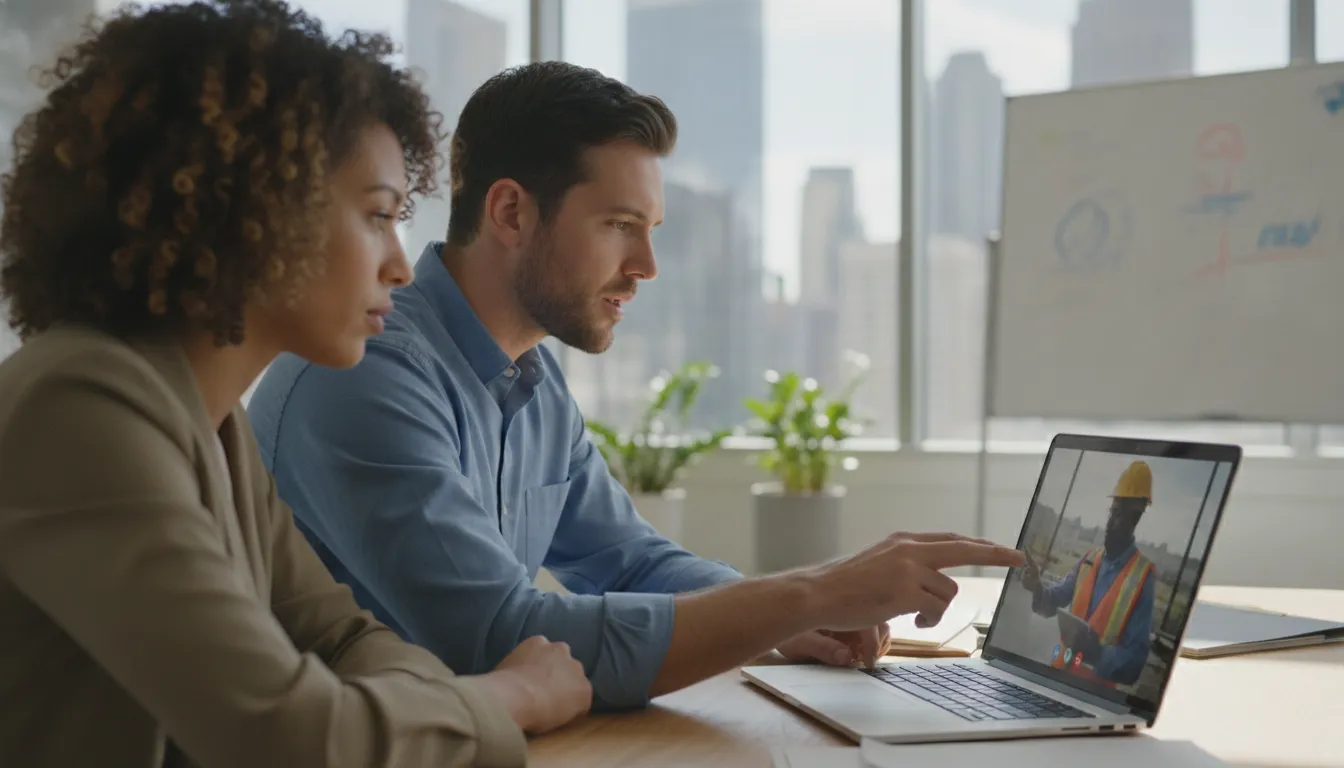
Remote and hybrid work give Central Texas businesses the flexibility to keep projects moving, support field teams, and attract skilled employees beyond the office. They also place company accounts, devices, and files across home networks, job sites, and shared cloud environments. That flexibility works best when security is planned around how your team actually operates.
Contact Computek for a remote-work security assessment.
Effective remote work IT security combines strong identity controls, protected endpoints, secure remote access, disciplined file sharing, and proactive monitoring. Together, these safeguards reduce preventable exposure without slowing down the people who need to work from different locations.
For a small or midsize business, the goal is not to eliminate flexibility. It is to understand where work and data leave the office, then apply practical controls that protect operations as the attack surface expands.
Why Remote Work IT Security Matters for Central Texas SMBs
Remote and hybrid work give Central Texas businesses access to wider talent and more flexible operations, but they also change where work happens and where business data travels. For a construction firm coordinating field crews, an engineering company sharing project files, or a manufacturer supporting multiple facilities, a security incident can interrupt more than email. It can delay decisions, halt production, or disrupt customer service.
Remote work expands the attack surface
Traditional office networks offered a defined security perimeter. Remote work distributes that perimeter across homes, job sites, hotels, personal networks, and mobile devices. An academic review of remote-work security describes how moving employees, computers, and data outside secure office infrastructure expands the attack surface. It details the substantial security risk this shift creates: the full research review is available through the National Library of Medicine.
That expanded exposure creates more opportunities for credential theft, unsafe access, misdirected files, unpatched devices, and human error. The Verizon Data Breach Investigations Report consistently shows that smaller organizations are frequent targets, with roughly half of breaches affecting businesses with fewer than 1,000 employees. The same report attributes approximately 74% of breaches to the human element, including mistakes, privilege misuse, stolen credentials, and social engineering. These figures make security a business-process issue, not only a technical concern.
Business continuity depends on secure access
Security controls should help authorized employees work reliably rather than make remote work impractical. The academic research notes that remote-work threats range from technical glitches and human error to full-scale ransomware. IT teams play an increasingly important role in maintaining business continuity. For an SMB, continuity means knowing who can access critical systems, keeping devices and accounts protected, and having a tested way to recover when something goes wrong.
That is why remote work IT security should be managed as an operating priority. Proactive monitoring can identify suspicious activity and control weaknesses before they affect operations. A coordinated approach also gives owners a clearer path to comprehensive cybersecurity protection while preserving the flexibility that field and hybrid teams need.
How Does Secure Remote Access Work for Field and Hybrid Teams?
A field supervisor in Georgetown, an engineer in Round Rock, and an operations manager in North Austin may all need the same project files. They rarely work from the same network. Secure remote access verifies the person, the device, and the request before allowing a connection to business systems.
Request a remote-work security assessment from Computek.
VPN vs. ZTNA: Choosing the Right Access Model
A virtual private network, or VPN, creates an encrypted connection between an approved device and a broader business network. It remains useful for teams that need access to defined internal resources, but it must be configured, patched, monitored, and removed promptly when a role changes. One commonly cited industry finding is that 71% of small and midsize businesses use a VPN, while misconfigured VPNs contribute roughly 14% of remote-work data leaks. That makes deployment quality as important as having the technology.
Zero Trust Network Access, often called ZTNA-style access, is more granular. Rather than placing a user inside a broad network segment, it grants access to a specific application or resource after evaluating the request. For a contractor reviewing drawings, a technician updating a service record, or a manager approving a purchase order, that narrower model can reduce unnecessary exposure. The best choice depends on the systems, workflows, and risk profile of the business, not on adopting a fashionable label.
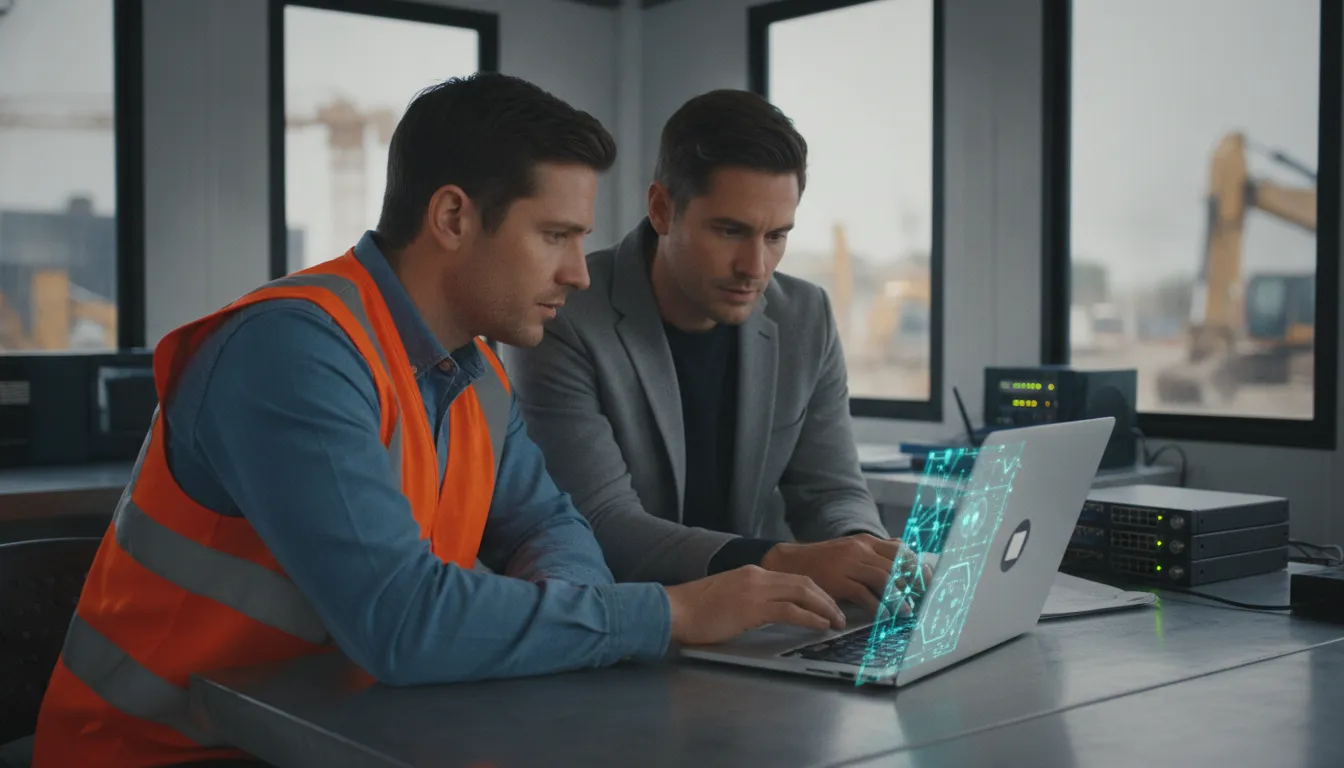
Who and What Connects: Identity and Device Verification
Access decisions should begin with identity. Require multifactor authentication for remote accounts, with especially strict controls for administrators, and review privileges when employees change duties. A valid password alone should not be enough to reach sensitive project, financial, or client information.
Device verification adds the second layer. The organization should know whether the laptop or tablet is managed, encrypted, patched, and protected before granting access. A personal or outdated device may be appropriate for low-risk communication, but not for unrestricted access to internal systems. Logging and alerting should also identify unusual sign-ins, impossible travel, repeated failures, or access outside a worker’s normal pattern.
The FBI Internet Crime Complaint Center reports that phishing targeting remote workers rose about 220% since 2020. That increase reinforces the need to verify requests instead of trusting a familiar username or email. Computek’s comprehensive cybersecurity protection and remote IT management services can help Central Texas businesses monitor these controls as teams move between offices, homes, jobsites, and customer locations.
Key takeaway: Secure remote access is not simply a VPN login. It is a continuously reviewed decision based on identity, device health, application need, and observable behavior.
Endpoint Protection and MFA: Securing Every Device
Remote and hybrid teams work across laptops, mobile devices, home networks, and job sites. That flexibility becomes a security liability when a device is unpatched, malware protection is inconsistent, or a stolen password provides direct access to company systems. Managed endpoint protection and multi-factor authentication (MFA) address two different parts of the same problem: the condition of the device and the identity using it.
Managed endpoint protection and patching
Endpoint protection should be centrally managed rather than left to individual employees. A managed program can monitor company-approved devices, identify suspicious activity, enforce security policies, and provide a consistent response when a device is compromised. It should also track operating-system and application updates. An unpatched laptop used from a construction site or home office can expose shared systems even when the employee follows other security procedures.
This control matters even more when field teams use a mix of company-owned and personal devices. Establish clear rules for which devices may access business applications, require baseline protections before access is granted, and separate personal activity from company data wherever possible. Remote access should be reviewed as an ongoing operational responsibility, not a one-time setup.
Enforce MFA on every identity, including administrators
MFA reduces the damage caused by stolen or reused passwords by requiring an additional verification factor. Apply it to every user account, including contractors, temporary staff, remote workers, and especially administrators. Administrative accounts should be tightly limited, separately protected, and reviewed regularly. If an employee changes roles or leaves the company, access should be removed promptly.
The human element remains central to the risk. Verizon’s Data Breach Investigations Report attributes approximately 74% of breaches to human involvement, including errors, misuse, and social engineering. MFA does not replace training, but it gives a phishing victim an additional barrier before an attacker can use compromised credentials.
Endpoint controls and identity controls should also work together with cloud access control. Access policies can consider the user, device, location, and application instead of treating every successful password entry as trustworthy.
Key takeaway: For remote work IT security, managed endpoint protection keeps devices defensible while MFA limits the value of stolen credentials. Together, they create a practical baseline for distributed teams without preventing employees from working where the business needs them.
Secure File Sharing and Home Office Wi-Fi Hygiene
Remote employees often handle the same sensitive information they would access in the office, including engineering drawings, client contracts, financial records, and project schedules. Moving those files between personal devices, home networks, and business systems creates avoidable exposure when employees rely on email attachments or unmanaged storage.
Secure file collaboration
Use an encrypted cloud file-sharing environment with centrally managed access controls instead of emailing spreadsheets or folders of client files. Shared folders should be limited to the people and teams who need them, with permissions reviewed when an employee changes roles or leaves the company. Require multi-factor authentication for cloud accounts, and remove access promptly when a device is lost or a working relationship ends.
File collaboration also needs a practical process. Employees should know where active project files belong, how to share a link safely, and when downloading a local copy is permitted. Version history and activity logs can help identify accidental overwrites or suspicious access without forcing teams to abandon convenient collaboration. For construction and engineering firms, this approach protects working drawings and specifications while keeping field and office teams aligned.
These controls are most effective when they are monitored and maintained as part of managed IT services, rather than left to individual employees to configure.
Home network basics
A home office router is part of the work environment, even when the business does not own it. Employees should use WPA2 or WPA3 encryption, change the router’s default administrator password to a unique password, and avoid sharing that credential with guests. The router’s firmware should also have been updated within the last 12 months. Firmware updates address known weaknesses and are a basic maintenance control, not an optional technical upgrade.
Separate work devices from household devices where the router supports guest or segmented networks. Keep company laptops on the business connection, avoid sensitive work over open public Wi-Fi, and use the organization’s approved secure-access method when connecting to internal resources. These steps reduce the chance that an infected personal device or poorly secured wireless connection becomes a path into business systems.
Building a Remote and Hybrid Work Security Policy
A useful policy gives employees clear operating rules without making remote work impractical. Keep it specific enough to guide daily decisions, and assign an owner who reviews it when roles, systems, or threats change.
- Define eligibility and approved devices. Document which roles may work remotely, what information they may access away from the office, and whether personally owned devices are permitted. For business systems, define minimum requirements: supported operating systems, screen locks, encryption, endpoint protection, and automatic updates. Include the ability to remove access when a device is lost or an employee leaves.
- Require multi-factor authentication on every account. Make MFA mandatory for email, file storage, remote-access tools, administrative accounts, and other cloud services. Do not limit the requirement to administrators. Explain how employees should report a suspicious authentication prompt instead of approving it, and keep a documented recovery process for a lost phone or security key.
- Set secure-access requirements. Identify which applications require a company-managed VPN or another approved secure-access method. State that employees must not bypass access controls, expose remote desktop services, or use unapproved workarounds. Include a process for requesting access to a new system and a review schedule for inactive accounts and permissions.
- Codify acceptable use and file sharing. Specify how company data may be stored, downloaded, emailed, copied to removable media, and shared with customers or subcontractors. Require approved, access-controlled file sharing rather than personal storage accounts. Set rules for public links, external collaborators, confidential information, and deleting local copies when work is complete. Your Microsoft 365 security best practices should reinforce these expectations where applicable.
- Document home-network standards. Require WPA2 or WPA3 encryption, a unique router administrator password, current router firmware, and a changed default network password. Employees should separate work devices from guest or smart-home devices when their equipment supports it. Provide a simple escalation path for outdated or provider-managed routers that cannot meet the standard.
- Define incident reporting and contacts. Tell employees exactly what to do if a device is lost, malware appears, credentials may be exposed, or an unusual file-sharing request arrives. Include a primary contact, backup contact, reporting hours, and an expectation to report quickly without fear of punishment. A short response checklist can prevent delays while the technical team contains the issue.
- Schedule recurring security training. Provide onboarding training before remote access is granted, then refresh it at least annually and after significant policy changes. Add brief, practical reminders about phishing, MFA prompts, file sharing, passwords, and reporting. Keep attendance records and use incidents or recurring questions to choose the next training topic. For broader planning, review this Central Texas cybersecurity guide.
Key takeaway: The strongest remote-work policy connects clear employee behavior to enforceable technical controls, named owners, and a tested reporting process. Review it at least annually, and sooner after a major incident, system change, or shift in remote-work practices.
When Should an SMB Bring In a Managed IT Partner for Remote Work IT Security?
Most Central Texas SMBs do not have a dedicated security team watching every login, endpoint, cloud permission, and remote connection. An office manager or generalist may keep systems moving, but security work requires continuous attention, documented processes, and the capacity to respond outside normal business hours. That gap becomes more consequential when employees work from homes, job sites, client locations, and shared workspaces.
An MSP gives that responsibility an operating model instead of leaving it to occasional checkups. Computek’s approach centers on proactive monitoring, which helps identify suspicious activity, configuration drift, and emerging risks before they interrupt operations. It also provides access to 24/7 coverage, so a concern discovered overnight or during a weekend does not have to wait until the next business day. This is especially important for construction, engineering, and manufacturing firms whose field and office teams depend on reliable access to business systems.
Review managed IT services when your business needs consistent oversight across devices, users, networks, and cloud applications, rather than isolated support after something breaks.
Signs You Need Help With Remote Work IT Security
- No one owns security monitoring, incident response, or access reviews.
- Employees share files or access business systems from personal or unmanaged devices.
- Former employees, contractors, or temporary workers may still have active accounts.
- Multi-factor authentication, endpoint controls, or cloud permissions vary by user.
- Your team cannot confirm when backups, patches, alerts, or security policies were last reviewed.
A qualified partner should also help turn security requirements into practical controls. Computek can assist with cybersecurity compliance so clients can work toward the standards required by third-party insurance providers. Computek does not sell or broker cybersecurity insurance. Its role is to help strengthen the underlying security program, document controls, and address gaps that may affect eligibility.
That work includes cloud access control, disciplined account management, endpoint oversight, and escalation procedures tailored to the business. Explore Computek’s comprehensive cybersecurity protection to see how security can support flexible work without making employees carry the full burden of protecting company data.
| Security Need | Informal / In-House | Managed IT Partner |
|---|---|---|
| Monitoring | Intermittent, depends on available staff | Continuous proactive monitoring of devices, users, and access |
| Response coverage | Business hours only | 24/7 escalation beyond normal hours |
| Endpoint & patch management | Inconsistent across field and office devices | Centrally managed protection and update policy |
| Access review | Ad hoc, easy to miss departing staff | Documented review of accounts and permissions |
| Compliance guidance | Unclear ownership | Support toward third-party insurance standards (not insurance sales) |
Key takeaway: Bring in a managed IT partner when remote access has outgrown informal oversight. You also need one when the business requires proactive monitoring, continuous coverage, and compliance guidance that internal staff cannot reliably provide.
Schedule your remote-work security review with Computek today.
Frequently Asked Questions
What is remote work IT security?
It is the coordinated protection of company data, devices, identities, and networks when employees work from home, on job sites, or from other locations. A practical program combines secure remote access, endpoint protection, multi-factor authentication, controlled cloud access, and clear employee procedures. The goal is to let people work productively without making security dependent on their physical location.
Why is remote work security critical for small businesses?
Remote teams move employees and business data beyond the protections of a central office, expanding the organization’s attack surface. Research published in the Journal of Medical Internet Research describes risks ranging from human error to large-scale ransomware and emphasizes the importance of IT teams to business continuity. Small businesses should treat these controls as operational safeguards, not optional technology upgrades. Research on remote-work security risks provides additional context.
What controls should a remote team implement first?
Start by enforcing multi-factor authentication on every business identity, especially administrator accounts. Then confirm that company devices receive endpoint protection and updates, remote connections are managed securely, and cloud permissions follow least-privilege principles. A written process for reporting suspicious messages and lost devices helps employees respond consistently instead of improvising during an incident.
How can employees secure home Wi-Fi for business use?
Use WPA2 or WPA3 encryption, install router firmware updates promptly, and replace the default router password with a unique one. Employees should avoid conducting sensitive work on unknown public networks unless the connection is protected by an approved secure-access method. Separating work devices from personal or untrusted devices can further reduce exposure.
Does an SMB need a managed IT security partner?
Many SMBs benefit from a managed partner when they lack the staff to monitor alerts, maintain endpoints, review access, and respond to issues consistently. A provider can add proactive monitoring and coordinate cybersecurity controls as part of a broader managed services contract. The right decision depends on the team’s risk, regulatory obligations, internal expertise, and required response coverage.
Ready to Strengthen Remote Work IT Security?
A focused review can help identify practical improvements across the devices, accounts, and access your hybrid team relies on. Contact Computek for a free remote-work IT security assessment. Reach out through the secure online form. A Central Texas IT advisor will show you where your remote and hybrid team is protected and where the gaps are.