
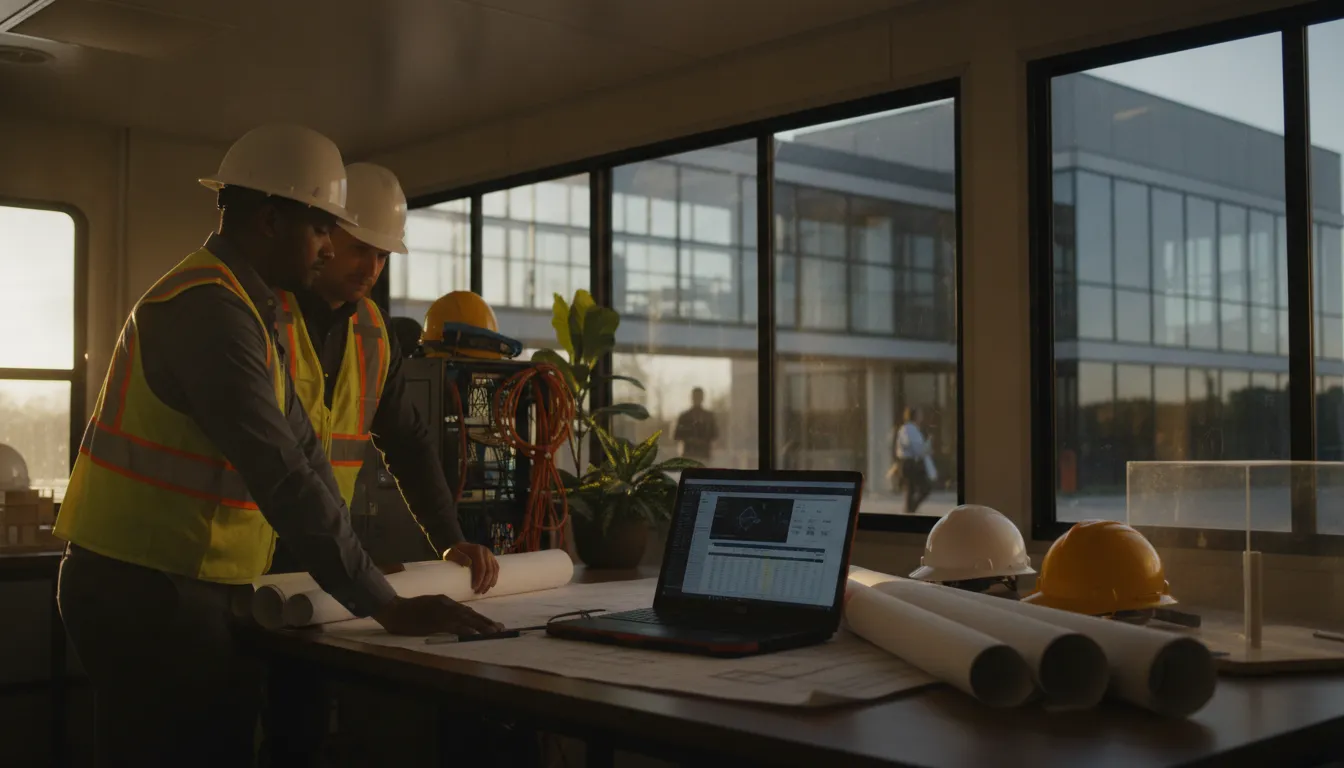
A construction project office is more than a trailer with a few laptops. It is a working connection between the field, the general office, subcontractors, owners, and the project record. When that connection is slow, insecure, or unreliable, decisions stall and project teams lose time. Managed IT for construction project offices gives that field-to-office link a defined owner, operating standard, and support plan.
Schedule a free 15-minute call with Computek to discuss your construction IT needs.
Why construction project offices need a field-to-office IT plan
Construction project offices operate under different conditions than a permanent corporate office. Teams may move between trailers, active sites, home offices, and the main office while using shared project files, cloud applications, email, mobile devices, and specialized software. A field-to-office IT plan keeps those users productive without treating every new project as an improvised technology deployment.
The project office is part of the production system
Project managers, superintendents, estimators, and coordinators rely on timely information. They may need to review a drawing revision, approve a change order, coordinate a delivery, answer a request for information, or document progress from the field. Those activities depend on access to the right files and systems, not simply on having an internet connection.
The office also handles sensitive information. Bid documents, contracts, schedules, employee records, payment instructions, and client communications may pass through the same systems. Access should follow the employee’s role and current project responsibilities. When a worker changes projects or leaves the company, access should be reviewed rather than left active indefinitely.
Temporary does not mean unimportant
A project office may be temporary, but the information moving through it is not. A temporary location still needs a documented network, dependable connectivity, device controls, backup coverage, and a clear support path. The goal is not to build an oversized corporate network at every site. The goal is to provide enough reliable technology for the work, then remove or transition it cleanly when the project changes.
That distinction matters for growing Central Texas contractors. A construction firm working in Georgetown, Round Rock, Pflugerville, or North Austin may have a permanent office, several active projects, and employees who work from different locations. A provider that only supports the main office leaves the field-to-office handoff exposed.
Key takeaway: A construction project office should be managed as a defined part of the company’s IT environment, with documented access, connectivity, security, and offboarding processes that connect the field to the main office.
How should a project office connect to the main office?
Project office connectivity should be designed around the work that must continue when conditions change. The right approach accounts for the site’s location, available internet service, number of users, business-critical applications, security requirements, and expected project duration. It also includes a fallback plan so one failed connection does not stop every field-to-office task.
| Connection concern | What to plan | Why it matters |
|---|---|---|
| Primary internet access | Document the service, equipment, owner, and expected capacity | Users know what normal performance looks like and who responds when it changes |
| Coverage gaps | Identify areas where mobile devices or the trailer lose reliable access | Teams can plan a practical alternative instead of discovering the gap during a deadline |
| Remote access | Limit access to approved users, devices, and applications | Field flexibility does not become an uncontrolled path into project data |
| Connection failure | Define a backup method and escalation path | Critical communication and project coordination can continue while the issue is resolved |
Separate the field office from the general office network
A project office should not be treated as an extension cord into the company’s entire network. Access should be segmented around business need. For example, a field user may need project collaboration tools and approved file locations without needing administrative access to finance systems or every shared drive.
Segmentation also makes troubleshooting easier. If a device, account, or connection behaves unexpectedly, the provider can narrow the issue to the relevant location or access group. That is more controlled than allowing every project device to share the same broad network permissions.
Design for changing project conditions
Connectivity requirements can change as the site progresses. The initial project office may have a small group of users, while later phases add inspectors, coordinators, or additional field staff. Equipment may move, walls may change, and the project may depend more heavily on cloud applications as deadlines approach.
Managed IT support should maintain a simple record of the location, equipment, users, and approved services. This record lets the team adjust the environment without guessing. It also helps the provider support a user remotely before deciding whether a site visit is necessary.
Make the handoff visible
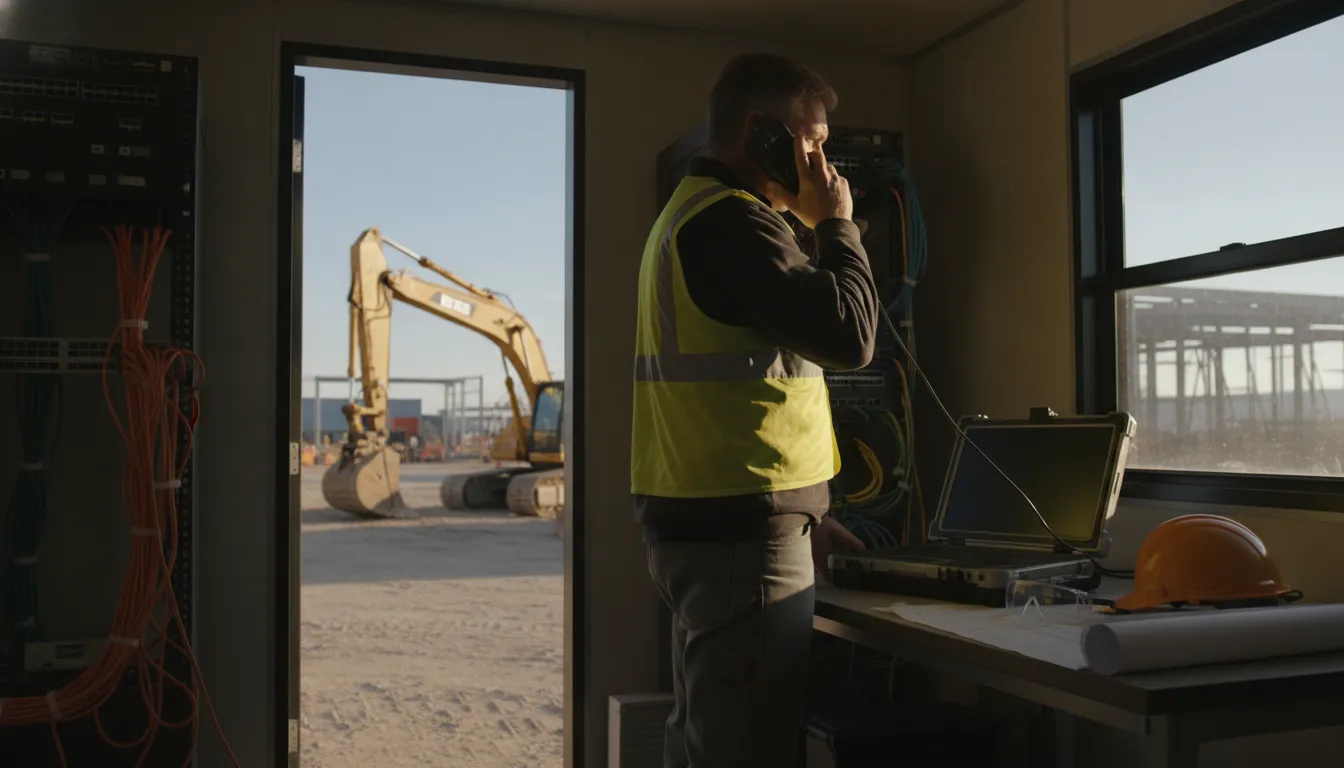
Connectivity is only useful when people know how to use it and where to report a problem. A short project-office runbook should identify the support contact, the location and equipment, the approved applications, the basic restart steps, and the escalation process for a production-impacting outage.
This is especially useful when a superintendent or office manager is not an IT specialist. Clear instructions reduce delay and prevent well-intentioned users from making a change that creates a larger security or connectivity problem.
Key takeaway: A reliable project office connection combines documented primary access, practical fallback planning, controlled permissions, and a support runbook that field staff can use without technical guesswork.
Talk with Computek about a managed IT plan for your field offices, project teams, and main office.
What should managed IT cover in a construction project office?
Managed IT for construction project offices should cover the complete operating chain, not just the laptop on a user’s desk. That includes people, devices, connectivity, applications, project data, cybersecurity, backup, and the transition between projects. The exact package should match the firm’s size and work, but the coverage areas should be explicit.
User and device readiness
Every project office needs a consistent process for preparing, securing, and supporting devices. A managed service provider can help maintain a current inventory, apply patches, monitor device health, and establish standards for laptops, tablets, printers, and other approved equipment. The purpose is to reduce preventable interruptions before a user is working against a deadline.
Device support also has to follow the worker. A project manager may work from the main office one day, a trailer the next day, and home after hours. A support model that depends on one physical location does not match that reality. Remote assistance, clear identity checks, and a documented escalation path make support more practical.
Project applications and file access
Construction firms often depend on a mix of project collaboration platforms, estimating or accounting systems, cloud storage, email, document management, and specialized design tools. Computek’s role is not to claim that every application works the same way. It is to help the business understand which systems are critical, who needs access, and what support is available when a workflow breaks.
Access should be based on current job responsibilities. A superintendent may need field documentation and project communication. An estimator may need bid folders and estimating systems. An accounting user may need financial records but not every project folder. Role-based access reduces accidental exposure while making it easier to remove access when responsibilities change.
Backup and recovery for project information
Project files need a recovery plan that is separate from the assumption that a file exists somewhere in the cloud. The plan should identify the systems and folders that matter, how often they are protected, where recovery copies are maintained, who can request a restore, and how the team will verify that restored information is usable.
Computek provides data backup and recovery services as part of its broader IT capabilities. For a construction firm, the practical question is whether the recovery plan covers the information that keeps a project moving, including drawings, contracts, schedules, correspondence, and required records.
Security across field and office users
Field access expands the number of places and devices that can reach company information. Managed IT should therefore include security controls for accounts, email, endpoints, network equipment, remote access, and employee behavior. It should also include a process for handling a lost device, suspicious message, unusual login, or suspected account compromise.
Computek’s cybersecurity services include network security, email filtering, phishing protection, employee security awareness training, endpoint security, and related controls. Those services are most useful when tied to the firm’s actual field-to-office workflows rather than treated as a separate technical checklist.
- Document who may access project files and from which types of devices.
- Use current patches and supported software on managed endpoints.
- Review access when employees change roles, projects, or employment status.
- Provide a clear process for reporting phishing, lost devices, or suspicious activity.
- Test recovery procedures instead of assuming that a completed backup equals a working recovery.
Key takeaway: Construction project office support is strongest when it covers users, devices, applications, project data, security, and recovery as one connected operating model.
A field-to-office operating model that protects project schedules
A strong operating model turns managed IT from an emergency contact into part of project readiness. Before a project office opens, the business defines the required users, devices, applications, connectivity, and support path. During the project, the environment is monitored and adjusted. At closeout, access and equipment are reviewed so the next project starts from a controlled baseline.
- Prepare the project profile. Record the expected location, duration, users, job roles, devices, applications, file repositories, and connectivity constraints. Identify the tasks that cannot wait for a later technology fix.
- Configure access before the deadline. Set up accounts, permissions, devices, and security controls before the team is under pressure. Confirm that users can reach the systems they need and cannot reach systems unrelated to their work.
- Monitor the environment. Review device health, patch status, security alerts, connectivity symptoms, and recurring support requests. A pattern of small issues may point to a larger capacity or configuration problem.
- Support the field-to-office handoff. Give project leaders a clear support contact and define how issues are prioritized. A user should not have to decide whether a problem belongs to the project manager, internet provider, software vendor, or IT team before getting help.
- Close out deliberately. When a project ends or a worker changes assignments, remove unneeded access, recover equipment, preserve required records, and update the inventory. This step protects the next project from inherited access and undocumented equipment.
Common gaps that create avoidable disruption
Many construction IT problems do not begin with a dramatic failure. They begin with an undocumented device, an account that was never removed, a shared password, a backup that was never tested, or a project office that depends on one person who knows how everything works. These gaps stay hidden until a deadline exposes them.
A managed services plan should make those responsibilities visible. The provider and the construction firm should agree on what is managed, what remains the customer’s responsibility, how urgent issues are handled, and which projects require extra planning. That clarity prevents an important task from sitting between vendors.
Key takeaway: The field-to-office operating model should cover project setup, access, monitoring, support, and closeout so IT decisions do not become last-minute schedule risks.
How do you evaluate a managed IT provider for construction?
Construction leaders should evaluate a managed IT provider by how well it connects everyday support to project operations. Look for a provider that can explain how it will support temporary locations, mobile users, project data, security events, backups, and changing access needs. The proposal should define responsibilities instead of relying on broad promises.
Questions to ask before choosing a provider
- How will you support users who work between the main office, project offices, and home?
- How do you document temporary locations, equipment, users, and approved applications?
- What happens when a project office loses its primary internet connection?
- Which systems and file locations are included in backup and recovery planning?
- How are access changes handled when an employee changes projects or leaves?
- How can our team reach support when a problem affects a project deadline?
- What is included in ongoing managed support, and which work is treated as a separate project?
Look for a service model that matches your risk
A construction firm does not need the same plan as a national enterprise with hundreds of locations. It does need a provider that understands the cost of an unavailable project file, an inaccessible field device, or a compromised business account. The right service package should be customized around the firm’s locations, workforce, technology, and project cadence.
Computek provides managed IT services that include proactive monitoring, preventative maintenance, support, patching, network troubleshooting, cloud support, and related services. Computek also offers IT consulting for businesses that need help planning infrastructure, migrations, upgrades, or longer-term technology decisions.
Key takeaway: The best provider is not the one with the longest feature list. It is the one that can clearly manage the field-to-office risks your construction team actually faces and explain how support works when a project is under pressure.
Why local support matters for Central Texas construction teams
Local support matters when a project office needs more than a generic help desk response. Construction firms in Georgetown, Round Rock, Pflugerville, Cedar Park, Leander, and North Austin may need remote assistance for routine issues and on-site help for equipment, connectivity, or infrastructure work. A local provider can structure support around the geography and operating rhythm of the business.
Computek is headquartered in Georgetown and has served Central Texas businesses since 2001. Its service model combines remote support, proactive monitoring, in-shop support, and on-site support with a broader portfolio of managed IT, cybersecurity, cloud, backup and recovery, and consulting services.
That breadth is useful when the project issue crosses boundaries. A connectivity problem may involve a network device. A file access problem may involve permissions or cloud configuration. A suspicious message may require security response. A reliable partner should be able to coordinate those questions instead of sending the customer to several disconnected vendors.
For construction firms comparing options, the Computek construction IT page provides a starting point for evaluating industry-specific support. The next step is a conversation about the firm’s actual project offices, applications, users, and risk priorities.
Key takeaway: For Central Texas construction firms, local managed IT support can combine remote responsiveness with practical on-site capability while keeping the field-to-office model connected to one accountable provider.
Schedule your free 15-minute call with Computek before the next project office opens.
Frequently Asked Questions
Construction project offices need IT support that is practical, secure, and aligned with changing project conditions. These answers address common questions about managed IT for construction project offices, from connectivity and access to backup and provider selection.
What is managed IT for construction project offices?
Managed IT for construction project offices is ongoing technology management for the people, devices, connectivity, applications, project data, security, and support processes used between the field and the main office. It gives the construction firm a defined support model rather than relying on ad hoc troubleshooting.
Can a managed IT provider support temporary project offices?
Yes. A provider can document the temporary location, prepare users and equipment, configure approved access, monitor the environment, support connectivity issues, and close out access and equipment when the project changes or ends. The exact approach should match the site’s duration, users, and technology requirements.
How should construction firms protect project files?
Start by identifying the files and systems that are essential to the project, then define access, backup frequency, recovery ownership, and restore testing. Security controls should cover accounts, email, endpoints, remote access, and the devices used by field and office personnel.
What should be included in a construction IT support plan?
A useful plan should identify supported users and locations, device standards, project applications, connectivity ownership, access rules, security controls, backup and recovery coverage, support contacts, escalation priorities, and project closeout steps. It should also state what is included in the managed services agreement.
How can a construction company start evaluating managed IT?
Begin with a short review of current locations, users, devices, applications, recurring problems, project data, and recovery needs. Then ask providers how they would support those conditions, how they communicate during an outage, and how they would transition the business without disrupting active work.
Key takeaway: A construction IT conversation should produce clear answers about field connectivity, access, security, recovery, support ownership, and project transitions, not just a list of technical products.
Build the field-to-office plan before the next project starts
Construction teams should not have to discover their IT operating model during a deadline. A practical managed services plan can connect the project office to the main office, protect access to project information, support mobile users, and give leaders a clear path when technology affects the schedule. The plan should be specific to the firm’s people, locations, and work.
Computek can help Central Texas construction businesses review those requirements and determine whether a comprehensive managed IT service package is the right fit. A short conversation is enough to identify the project-office risks that deserve attention first.
Book a free 15-minute conversation with Computek about your field-to-office IT plan.