
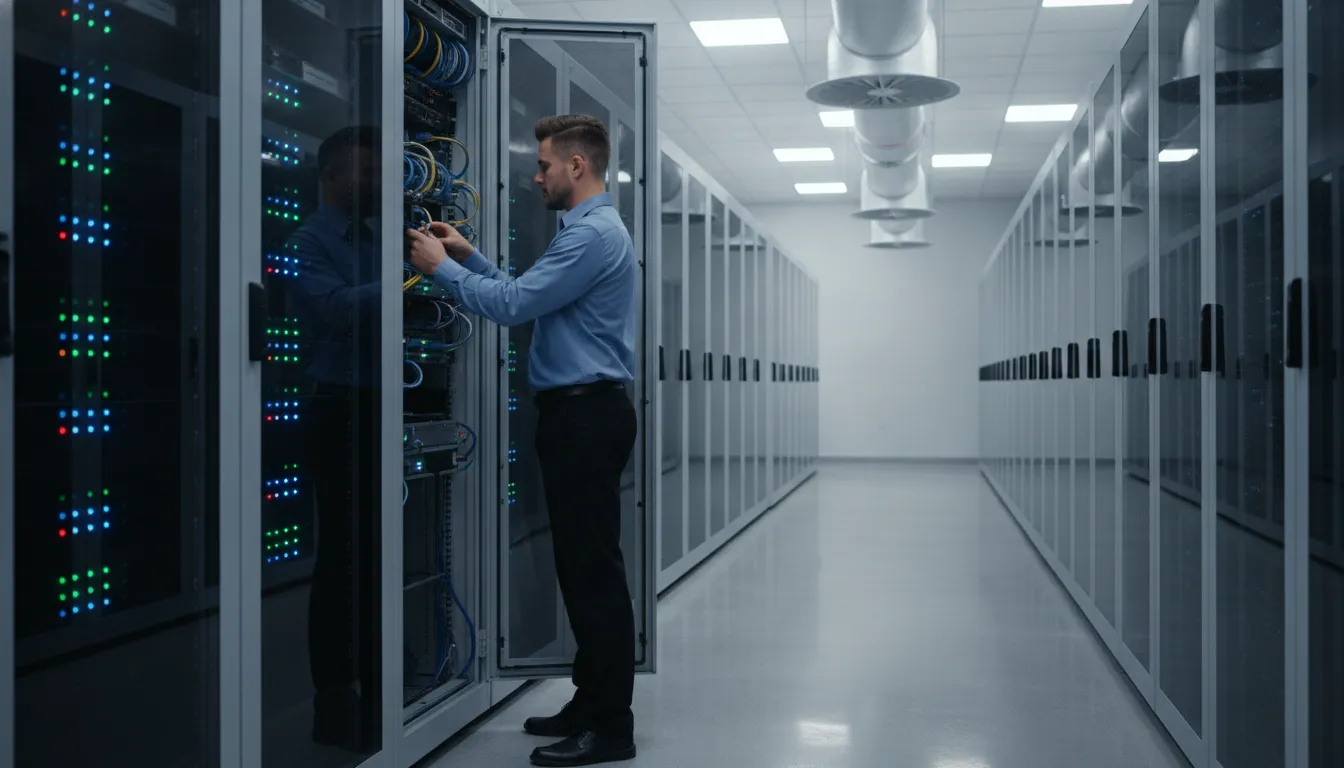
Servers rarely fail at a convenient time. Aging workstations can slow project delivery, while outdated switches and network hardware may create security gaps, compatibility problems, and unplanned replacement costs. For an SMB in Georgetown or Round Rock, one avoidable outage can affect employees, customers, and deadlines at the same time.
Schedule a free consultation with Computek to review your hardware roadmap before a failure forces the decision.
Technology lifecycle management is the systematic process of planning, purchasing, deploying, maintaining, refreshing, and retiring IT hardware on a predictable schedule aligned with business goals. It turns replacement from an emergency expense into a planned business decision, while helping keep systems supported, secure, and productive.
The right schedule depends on the role and condition of each asset, not simply its age. A practical lifecycle approach gives business owners and operations leaders a clear view of what needs attention now. What can remain in service, and how future upgrades fit the budget. It also creates a more reliable foundation for proactive managed IT support.
What Is Technology Lifecycle Management and Why Does It Matter for SMBs?
Technology lifecycle management (TLM) is the end-to-end process of planning, procuring, deploying, monitoring, maintaining, refreshing, and retiring business technology. It treats infrastructure as a managed business resource rather than a collection of devices replaced only after something breaks. The objective is to align technology investments with operational goals, control costs, and keep systems dependable as the business changes. Industry lifecycle guidance describes the process as six connected stages: planning and budgeting, procurement, deployment, monitoring and maintenance, refresh and upgrade, and decommissioning.
For a small or midsize business, that structure matters because technology decisions often compete with hiring, equipment, facilities, and other essential investments. Without an internal IT department, an owner or operations leader may not have time to track warranty dates. Manufacturer support, device condition, software compatibility, and the budget required for upcoming replacements. Waiting until a server, workstation, or network device fails turns a planned expense into an urgent operational problem.
TLM is broader than IT asset management
IT asset management, or ITAM, generally answers questions about inventory and ownership: what equipment exists, where it is located, who uses it, and what it cost. TLM includes that visibility but goes further. It manages the asset’s full business lifecycle, from the decision to acquire it through deployment, ongoing maintenance, refresh planning, and secure decommissioning. This distinction is important because an accurate inventory alone does not tell a business when an asset should be replaced or how that replacement supports future capacity.
Why lifecycle planning supports better decisions
A managed lifecycle approach gives leadership a forward-looking view of infrastructure needs. It can connect refresh decisions to business growth, productivity requirements, support coverage, and security expectations instead of relying on guesswork. For SMBs in Georgetown, Round Rock, and North Austin. A managed IT partner can maintain that oversight and translate technical conditions into practical recommendations, without requiring a full internal IT department. Managed lifecycle management is specifically intended to align infrastructure with business goals and help technology investment support productivity rather than hinder it. Read the source overview of managed lifecycle alignment.
Verdict: Technology lifecycle management gives SMBs a predictable way to plan, operate, refresh, and retire IT infrastructure. ITAM tells you what you own; TLM helps you decide what to do with it next and why that decision matters to the business.
How to Build a Technology Lifecycle Management Strategy for Your Business
A practical strategy turns hardware replacement from an emergency expense into a managed operating decision. The process should cover six connected stages, from planning and procurement through deployment, monitoring, refresh, and decommissioning. For businesses in Georgetown and Round Rock, Computek can coordinate these stages through managed IT services. Helping owners and operations leaders align infrastructure decisions with uptime, security, and growth priorities.
- Inventory and audit existing hardware. Start with a complete record of workstations, laptops, servers, switches, routers, firewalls, and related equipment. Document each asset’s age, location, warranty status, performance, operating system, business owner, and manufacturer support status. This baseline identifies unsupported equipment, single points of failure, and devices that need attention before they disrupt operations.
- Set replacement timelines by device type. Establish a planned window rather than waiting for failure. A common starting point is three to four years for workstations and laptops, four to six years for servers, and five to seven years for networking equipment. Adjust those ranges for workload, condition, warranty coverage, performance requirements, and the manufacturer’s support schedule. Replacement should occur while support and warranty options are still available, not after they disappear. Review recommended technology lifespans when refining your schedule.
- Budget proactively for each refresh cycle. Convert the inventory into a rolling technology budget. Planned refreshes can reduce total cost of ownership compared with reactive replacement, which may combine emergency procurement, downtime, and rushed implementation costs. Leasing may also make schedule adherence easier when the replacement timeline is built into the agreement. The right funding model depends on cash flow, tax considerations, and operational requirements.
- Procure and deploy with minimal disruption. Define requirements before purchasing, standardize configurations where practical, and schedule migrations around business operations. A deployment plan should cover data transfer, user communication, testing, rollback options, and disposal of replaced equipment. Computek’s infrastructure implementation experience can help businesses manage upgrades without treating every refresh as a fire drill.
- Monitor and maintain proactively. Lifecycle planning does not end when new equipment is installed. Track performance, capacity, warranty status, patching, and support milestones. Regular monitoring can reveal failure indicators or capacity constraints early enough to adjust the plan before users experience downtime.
- Decommission securely. Retire equipment through a documented process. Confirm data is securely erased, access credentials and management records are removed, and disposal or recycling follows applicable business and compliance requirements. Record the asset’s final status so the inventory remains accurate.
Verdict: An effective lifecycle strategy combines accurate inventory, support-aware replacement windows, proactive budgeting, controlled deployment, ongoing monitoring, and secure retirement. For Georgetown and Round Rock businesses, Computek can provide the planning and operational support needed for managing the technology lifecycle without pulling leadership into every technical detail.
When Should You Replace Servers, Workstations, and Network Hardware?
Replacement dates should be planned before a device becomes a business interruption. A useful schedule considers performance, warranty coverage, security support, and the manufacturer’s end-of-support date. The age ranges below provide a starting point for budgeting. But a critical device may need replacement earlier if it can no longer receive security updates, handle current workloads, or support required network capacity.
| Device Type | Recommended Lifespan | Replacement Trigger |
|---|---|---|
| Servers | 4 to 6 years | Manufacturer support or warranty ends, reliability declines, or capacity no longer meets business demand. |
| Workstations and laptops | 3 to 4 years | Applications slow down, compatibility suffers, repairs increase, or the device cannot meet employee productivity needs. |
| Network switches | 5 to 7 years | Bandwidth is constrained, ports no longer support operational requirements, or manufacturer support ends. |
| Firewalls and routers | 3 to 5 years | Security vulnerabilities cannot be addressed, firmware support ends, or throughput cannot handle business traffic. |
| UPS systems and batteries | 3 to 5 years | Battery runtime falls, self-tests fail, alarms appear, or the unit can no longer protect equipment during an outage. |
Industry lifecycle guidance generally places workstations and laptops at three to four years, servers at four to six years, and networking equipment at five to seven years. These ranges are useful for building a refresh forecast, not for postponing a replacement when a known risk appears. For example, a firewall with an unresolved security vulnerability should not remain in production simply because it has not reached its nominal age.
Manufacturer end-of-support dates should be recorded alongside each asset’s purchase date, warranty status, firmware eligibility, and current business role. Replacing equipment on a predictable schedule tied to manufacturer support, performance needs. And warranty coverage helps avoid the downtime, security gaps, and emergency costs associated with running hardware until failure. For a deeper planning framework, review this technology lifecycle management strategy.
Verdict: Use the lifespan ranges as planning milestones, then move replacement forward when support ends, security protection weakens, performance limits operations, or reliability becomes uncertain. A current asset register makes those decisions predictable instead of reactive.
What Are the Risks of Ignoring Technology Lifecycles?
When an SMB keeps servers, workstations, and network equipment in service beyond a sensible refresh point, the risk is not limited to slower hardware. The business becomes more exposed to security incidents, unplanned costs, compliance problems, and lost staff time.
Security gaps become harder to see and fix
Aging server hardware can increase repair demands, reduce operational efficiency, and raise the risk of a security breach. A small manufacturer, for example, may continue using an older server because it still starts each morning. While unsupported software, missed patches, or undocumented devices create weaknesses that are difficult to identify. NIST SP 1800-5 explains that a centralized, comprehensive view of networked hardware and software can reduce vulnerabilities and speed response to security alerts. Read the NIST guidance.
Emergency replacement costs arrive at the worst time
Reactive replacement turns a predictable capital expense into an urgent purchase. If a law firm’s aging server fails during a busy filing period. The business may pay for expedited hardware, emergency labor, temporary workarounds, and lost billable time at once. Running equipment beyond its useful life increases the likelihood of downtime, security gaps, and emergency replacement costs, according to lifecycle guidance from Comnexia.
Improper disposal can create compliance exposure
Retiring a device is not simply a matter of putting it in a storage room or handing it to a recycler. A healthcare office, accounting firm, or engineering company may retain sensitive client, employee, or project data on old drives. Without documented decommissioning and appropriate data erasure, improper disposal can contribute to compliance failures. NIST also notes that security practices for asset-management platforms draw on standards such as PCI DSS, reinforcing the need for controlled processes rather than informal disposal.
Old equipment drains operations and employee productivity
Legacy systems can take longer to process files, support current software, or recover from faults. For a construction office, a slow workstation can delay plan revisions and file transfers. For a professional-services team, repeated application crashes can interrupt client work. These individual delays accumulate across the workday, while repair appointments and recurring failures add more disruption.
Verdict: Ignoring technology lifecycles exchanges planned decisions for security uncertainty, emergency spending, compliance exposure, and avoidable productivity loss. A documented refresh and retirement schedule helps an SMB address each risk before it becomes an outage.
How a Managed IT Partner Supports Lifecycle Planning in Georgetown and Round Rock
For a small business without a dedicated internal IT department. Lifecycle planning can easily become a task that receives attention only after a server, workstation, switch, or firewall fails. A managed IT partner makes it part of the operating plan. Computek’s team monitors infrastructure, tracks performance and support considerations, and helps business owners in Georgetown. Round Rock, and North Austin decide what needs attention before an aging device disrupts operations.
That proactive approach begins with visibility. Monitoring can identify signs of hardware trouble early, giving the team an opportunity to investigate, plan a replacement, and schedule the work around the business. Instead of waiting for an unexpected outage, an operations manager can approve a measured refresh with a known scope and timeline. Research on technology refresh cycles similarly notes that planned replacement helps businesses avoid the emergency costs associated with unexpected hardware failure. Read the research on technology refresh cycles.
Lifecycle planning is built into the managed relationship
Computek’s managed contracts include proactive lifecycle planning and strategic technology budgeting. This means the conversation is not limited to whether a device works today. The team can evaluate whether the current infrastructure remains appropriate for the company’s staffing, applications, security requirements, and growth plans. A refresh plan may prioritize employee workstations in one budget period, then address servers, switches, or firewalls in another.
That structure also helps separate urgent remediation from scheduled improvement. If a system is approaching the end of its support period, Computek can identify the risk. Outline available replacement options, and coordinate implementation before the business is forced into a rushed purchase. A lifecycle approach can also support security compliance by helping SMBs keep technology current and supported. Learn more about technology refresh cycles.
Local implementation reduces disruption
Planning is only useful when replacement work is executed carefully. Computek supports infrastructure implementations and upgrades involving servers, workstations, switches, and firewalls. Local support gives businesses in Georgetown and Round Rock a partner who understands the need to protect production schedules, customer commitments, and employee productivity during a change.
For organizations evaluating a broader Managed IT Services relationship, this is one of the practical advantages. The same team that monitors systems can help maintain the asset roadmap, coordinate procurement. Stage equipment, complete the installation, and confirm that users and business-critical systems are operational afterward. For more on how this fits into a broader proactive model, see proactive technology lifecycle management.
Verdict: For SMBs in Georgetown, Round Rock, and North Austin, a managed IT partner turns lifecycle planning from an occasional emergency response into a repeatable business process. Computek combines proactive monitoring, strategic budgeting, and local implementation support so technology replacements can be planned before they become costly interruptions.
Frequently Asked Questions
What is technology lifecycle management?
Technology lifecycle management is the structured process of planning, purchasing, deploying, maintaining, refreshing, and retiring business technology. It gives owners and operations leaders a predictable way to align infrastructure decisions with business needs instead of waiting for a failure to force an emergency replacement.
How often should office workstations be replaced?
Most business workstations and laptops should be reviewed for replacement every 3 to 4 years. Actual timing depends on performance, warranty coverage, software compatibility, security support, and the employee’s workload. A workstation that cannot run required applications reliably may need replacement sooner.
When should a business replace its servers?
Servers commonly follow a 4 to 6 year refresh cycle. Review the server before the end of its manufacturer support and warranty period, then consider workload growth, reliability, storage needs, and available security updates. Replacing on a planned schedule is safer than waiting for an outage.
What happens to old business hardware?
Retired equipment should be inventoried, removed from service, and handled through a documented decommissioning process. That process may include secure data erasure, approved recycling, and records showing how the asset was disposed of. Simply placing old devices in storage or discarding them without controls can create security and compliance risks.
Is technology lifecycle management the same as IT asset management?
No. IT asset management primarily tracks what equipment an organization owns, where it is, and who uses it. Technology lifecycle management uses that information to manage the asset’s full working life, including planning, maintenance, replacement, and retirement.
Ready to Plan Your Technology Refresh?
A proactive lifecycle plan helps you align hardware replacements with business priorities instead of waiting for an unexpected failure. Computek can review your current servers, workstations, switches, and network equipment with your team in Georgetown or Round Rock, then help establish a practical replacement schedule.
Schedule a free consultation to discuss your technology lifecycle management plan. Contact Computek about managed IT services.
Bottom line: Planned refreshes keep technology decisions predictable and aligned with your business.