
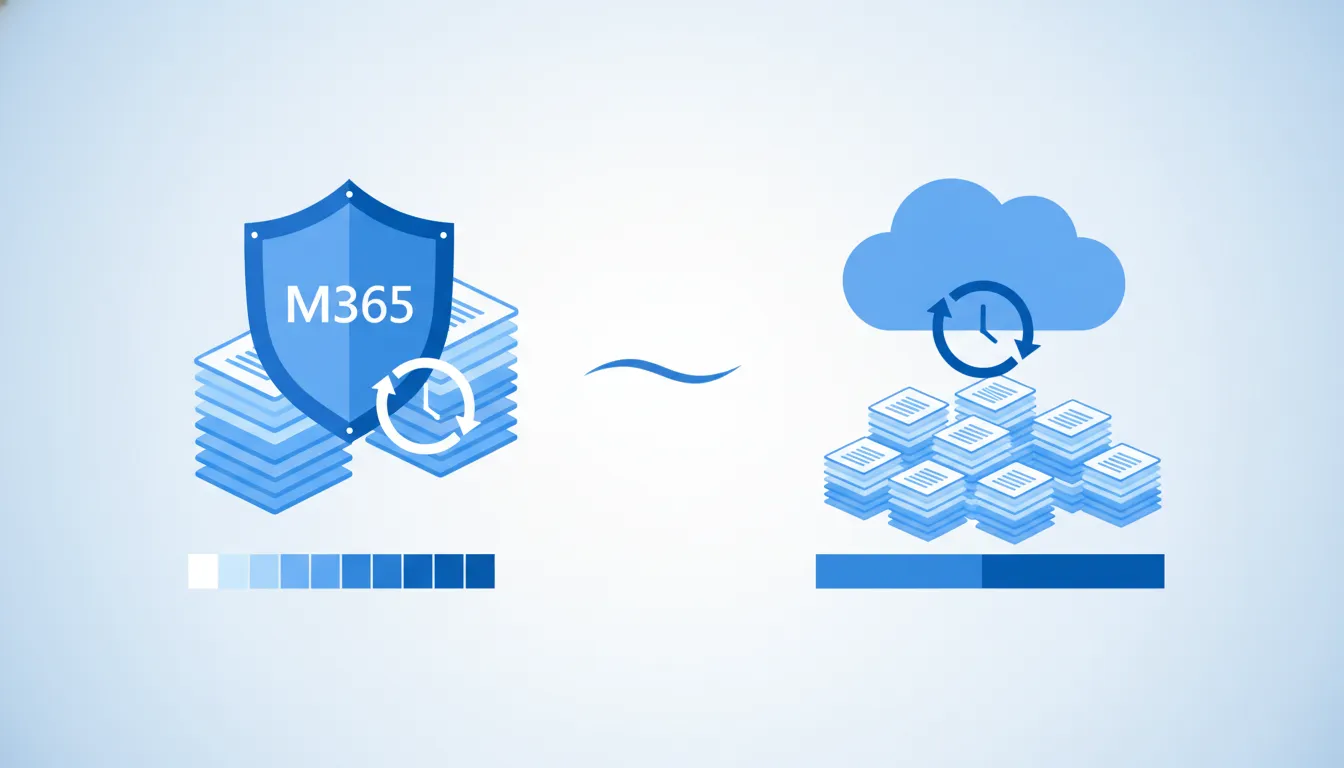
A deleted customer proposal, a compromised account, or a departed employee can quickly turn into an operational problem. Microsoft 365 includes useful retention and recovery features, but those features solve different problems than an independent backup. Understanding Microsoft 365 backup vs retention helps a small business choose protection based on recovery needs, compliance obligations, and acceptable downtime instead of assumptions.
Schedule a 15-minute call with Computek about a right-sized recovery plan.
Microsoft 365 retention preserves content according to policies inside the Microsoft environment, while an independent backup creates a separate recovery copy. Retention is especially useful for governance, legal holds, and recovering content within configured periods. Backup is designed for broader, faster, and more flexible recovery after accidental deletion, account compromise, or a larger disruption. Many businesses benefit from both, but the right configuration depends on their data, risks, and recovery objectives.
Microsoft 365 backup vs retention at a glance
The practical difference is purpose. Retention controls how long selected Microsoft 365 content must remain available or when it should be deleted. Backup focuses on restoring usable data after loss or disruption. Neither tool replaces access controls, security monitoring, or a tested continuity plan.
| Decision factor | Microsoft 365 retention | Independent backup |
|---|---|---|
| Primary purpose. | Governance, preservation, and deletion rules. | Operational recovery from a separate copy. |
| Typical question answered. | How long must this content be kept? | How quickly can we restore this data? |
| Location. | Managed within the Microsoft 365 environment. | Stored and managed separately from the production tenant. |
| Recovery scope. | Depends on workload and configured policy. | Depends on vendor coverage and restore options. |
| Best fit. | Records rules, legal holds, and content lifecycle. | Business continuity, point-in-time recovery, and resilience. |
A policy only helps if it matches the data and is configured correctly. For example, an organization may preserve email for a regulatory period but still need a separate method to restore many mailboxes after an incident. Conversely, buying a backup service without defining retention periods, restore responsibilities, and test procedures can create false confidence.

What do Microsoft 365 retention features actually do?
Microsoft 365 retention policies and labels help an organization keep or delete content according to defined rules. Depending on licensing, configuration, and workload, policies can apply across services such as Exchange, SharePoint, OneDrive, and Teams. The goal is information governance, not simply making a second copy of everything.
Preservation and disposition
A retention policy can preserve content even after a user edits or deletes it, then allow permanent deletion after the required period. That supports records management and can reduce uncertainty during audits or legal requests. A legal hold can preserve relevant material while a matter is active. These controls are valuable, but they require careful scoping and administration.
Native recovery features
Microsoft 365 workloads also include native recovery mechanisms, such as recycle bins, recoverable items, version history, and restore functions. Their availability and duration vary by service, settings, and licensing. They can solve common mistakes efficiently, but an SMB should not assume every item remains recoverable forever or that every large-scale restore will be simple.
The key operational step is to document which workloads are covered, how long data is recoverable, who can initiate a restore, and what happens after an employee account is removed. Microsoft publishes detailed guidance, and its current retention documentation should be checked when policies are designed or changed.
How does an independent Microsoft 365 backup differ?
An independent backup service creates recovery copies outside the normal production environment and gives administrators dedicated restore capabilities. Coverage varies by provider, so the term “backup” should never be accepted without reviewing exactly which workloads, metadata, permissions, versions, and restore methods are included.
Separation improves recovery options
When the recovery copy is independently managed, a problem in the production tenant is less likely to affect it. This separation can be important after compromised administrator credentials, malicious deletion, or a configuration error. It also gives the business another recovery path if native tools cannot meet the required scope or speed.
Recovery is the real measure
A useful backup plan starts with business questions, not product features. Which systems must return first? How much recent work could the company tolerate losing? How long can teams operate without email, OneDrive, or SharePoint? These answers become recovery point and recovery time objectives, which can then be compared with a provider’s actual capabilities.
Microsoft now offers its own Microsoft 365 Backup service, and third-party options also exist. Microsoft’s current backup overview explains its service and supported workloads. An SMB should compare that information with independent providers and its existing cloud computing environment before selecting an approach.
Ask Computek to map your Microsoft 365 recovery requirements before you select a backup service.
Which business risks does each approach address?
Retention and backup overlap in some recovery situations, but their strongest use cases differ. A practical risk review connects each scenario to the control most likely to help and identifies any remaining gaps.
Everyday deletion and employee turnover
Native recovery and retention can be effective when someone deletes a message, edits a document, or leaves the company. The outcome depends on timing and policy. Before removing an account or license, the business should confirm ownership transfers, mailbox handling, OneDrive access, retention requirements, and backup coverage. A written offboarding checklist prevents a routine HR event from becoming a data-loss incident.
Ransomware and account compromise
Security controls should prevent and contain attacks, while backup supports recovery if prevention fails. Multifactor authentication, least-privilege access, monitoring, and incident response remain essential. A backup should have separate administrative controls and should be tested against a realistic recovery scenario. CISA’s ransomware guidance recommends maintaining offline backups and regularly testing availability and integrity.
Compliance and legal requirements
Retention is usually the stronger tool for enforcing how long business records remain available and when they are disposed of. Backup may help recover a copy, but it does not automatically satisfy records-management or legal-hold requirements. A business with contractual, regulatory, or litigation obligations should involve appropriate legal or compliance counsel when defining policy.
For continuity planning, the organization should also consider dependencies outside Microsoft 365, including line-of-business applications, local servers, endpoints, identity systems, and vendor integrations. Computek’s guide to business continuity planning for Central Texas companies provides a broader framework.
How should a small business choose a protection strategy?
The best approach is not automatically the longest retention period or the most feature-heavy backup package. It is the approach that meets documented business needs, can be administered consistently, and performs during a test.
- Inventory critical data. List the Microsoft 365 workloads, shared sites, mailboxes, Teams content, and user data that support daily operations.
- Define recovery priorities. Identify the data that must return first, acceptable downtime, and acceptable data loss for each workload.
- Map retention obligations. Record contractual, regulatory, legal, and operational requirements, then confirm which policies address them.
- Review licensing and coverage. Verify current Microsoft licensing, native recovery windows, backup workload coverage, and any exclusions.
- Separate duties and access. Limit administrative privileges and avoid relying on one account for production and backup management.
- Assign ownership. Decide who reviews alerts, approves restores, handles departed users, and updates policies as the business changes.
- Test a realistic restore. Recover representative email, files, folders, permissions, and larger datasets, then document timing and issues.

A test often reveals practical gaps that a product checklist misses. The restore may work, but take longer than expected. Permissions may require extra steps. A former employee’s data may not be covered the way the team assumed. Computek’s article on backup testing for small businesses explains how to turn those findings into a repeatable process.
Turn the plan into a repeatable process
Document the result after each test. Record what was restored, how long it took, who completed the work, and which steps caused delays. Review that record with the people who depend on the data. A finance manager may prioritize email and shared documents, while an operations leader may need a specific SharePoint site first.
Update the plan when people, licensing, or systems change. New Teams channels, shared mailboxes, acquisitions, and departing employees can alter recovery requirements. A quarterly review gives many SMBs a useful starting point, while businesses with stricter obligations may need more frequent checks.
Questions to ask before selecting a Microsoft 365 protection plan
Use these questions to compare proposals and uncover assumptions before signing a contract:
- What exactly is protected? Confirm coverage for Exchange, OneDrive, SharePoint, Teams, shared mailboxes, archives, metadata, permissions, and deleted users.
- Where are backup copies stored? Ask how the service separates production data, backup data, and administrative access.
- What restore options are available? Review item-level, folder-level, mailbox-level, site-level, bulk, and point-in-time capabilities.
- How long are copies retained? Confirm the standard period, customization options, and what happens when a subscription or employee account ends.
- How is access secured? Ask about multifactor authentication, role-based access, audit logs, encryption, and alerting.
- Who performs and approves restores? Define responsibilities, escalation paths, expected response times, and any additional costs.
- How often is recovery tested? Require a practical test schedule and written evidence that the process works.
- How can data be exported? Understand portability, contract terms, and the process for changing providers.
This evaluation should account for company size, industry, staffing, budget, and tolerance for downtime. A small professional office and a manufacturer with time-sensitive operations may choose different controls even if both use Microsoft 365.
Compare proof, not promises
Ask each provider to demonstrate a representative restore and explain what the standard service includes. Review how alerts are handled, whether support is available when a restore is urgent, and how the provider reports failed jobs. Written service terms should match the recovery expectations discussed during sales.
Also confirm how the plan will evolve. Storage volumes, user counts, and retention obligations change over time. A useful provider should help the business review those changes instead of treating the initial setup as permanent.
Schedule a 15-minute call to review your Microsoft 365 protection strategy with Computek.
Frequently asked questions
Is a Microsoft 365 retention policy considered a backup?
No. A retention policy preserves or deletes content according to governance rules within Microsoft 365. It can support recovery in some situations, but it does not provide the same separation, restore tooling, or operational purpose as an independent backup.
Can a small business use only Microsoft 365 retention?
Possibly, but only after a documented risk and recovery review. Native retention and recovery may meet some organizations’ needs. Businesses that require broader recovery options, separate copies, or faster large-scale restoration may need an independent backup as well.
How often should Microsoft 365 recovery be tested?
Test on a regular schedule and after meaningful changes to licensing, policies, workloads, or providers. The appropriate frequency depends on business risk. Tests should include representative data and document restore time, access, permissions, and any failures.
What should happen to Microsoft 365 data when an employee leaves?
Follow a documented offboarding process before removing access or licenses. Confirm mailbox handling, OneDrive ownership, shared content, retention obligations, backup coverage, and the people authorized to access or restore the former employee’s data.
Build a practical Microsoft 365 protection plan
Retention and backup are not competing labels for the same feature. They are different controls that can work together when each is tied to a clear business requirement. Computek helps small and medium-sized businesses in Georgetown, Round Rock, Pflugerville, and North Austin evaluate those requirements without assuming every organization needs the same configuration.
Contact Computek to discuss a practical Microsoft 365 backup and retention strategy.